Model Context Protocol
(MCP) & AI Integration
Bridge your CRM with modern AI. Connect external AI assistants (Claude, Cursor, Antigravity) directly to your live CRM data to query prospects and execute actions via natural language.
JUMP TO SECTIONS
AI Architecture
Direct Agentic Access
To Live Pipeline Data


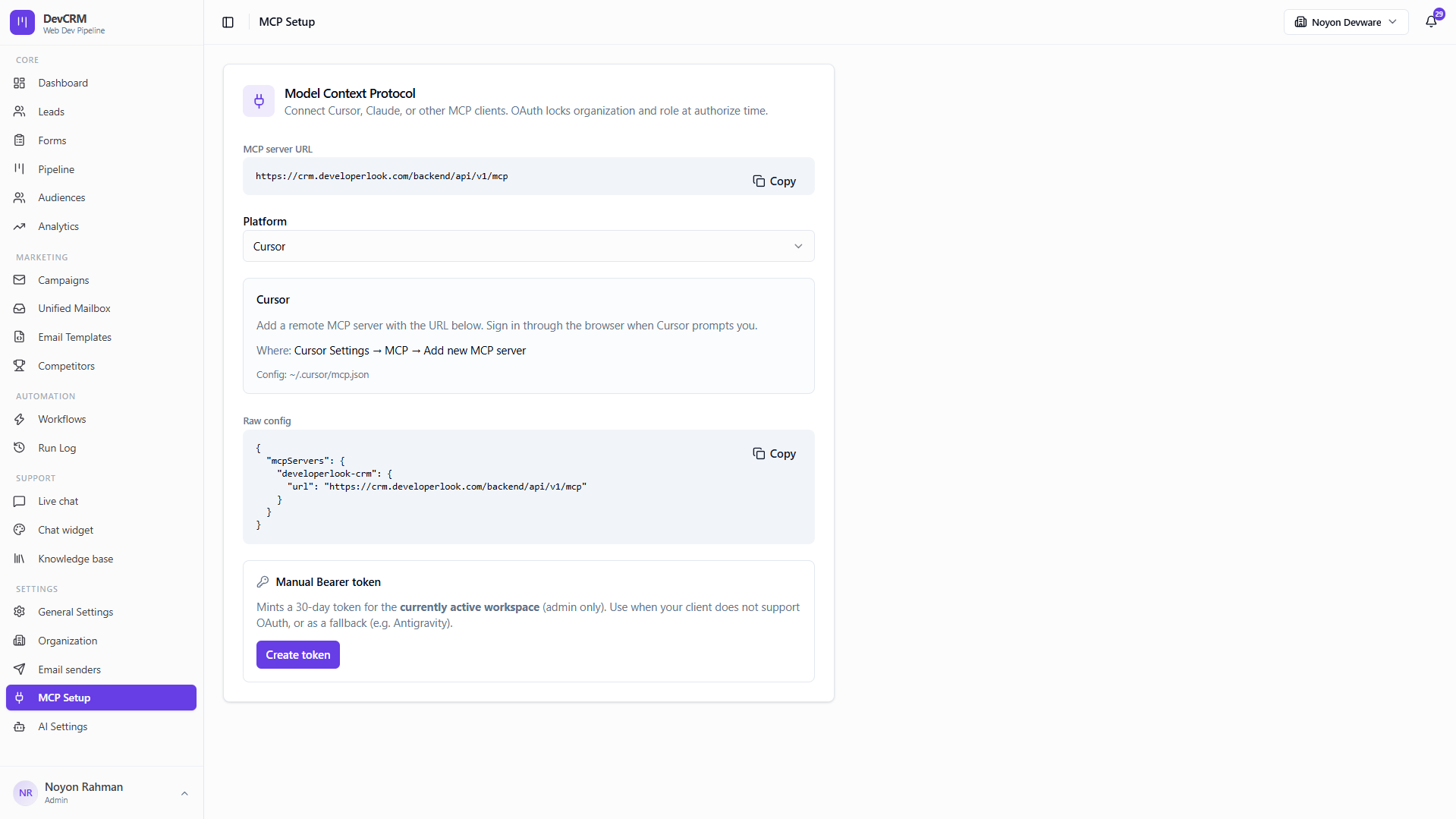
One Server URL. Four Ready Clients.
Copy the MCP server URL or paste a ready-made config into Cursor Settings → MCP, Claude Desktop, Antigravity, or Codex — then sign in through the browser when prompted.
Native MCP endpoint with copy-ready configs for Cursor, Claude Desktop, Antigravity, and Codex
OAuth authorization that locks organization and role at sign-in time
Optional 30-day bearer tokens for clients that do not support OAuth
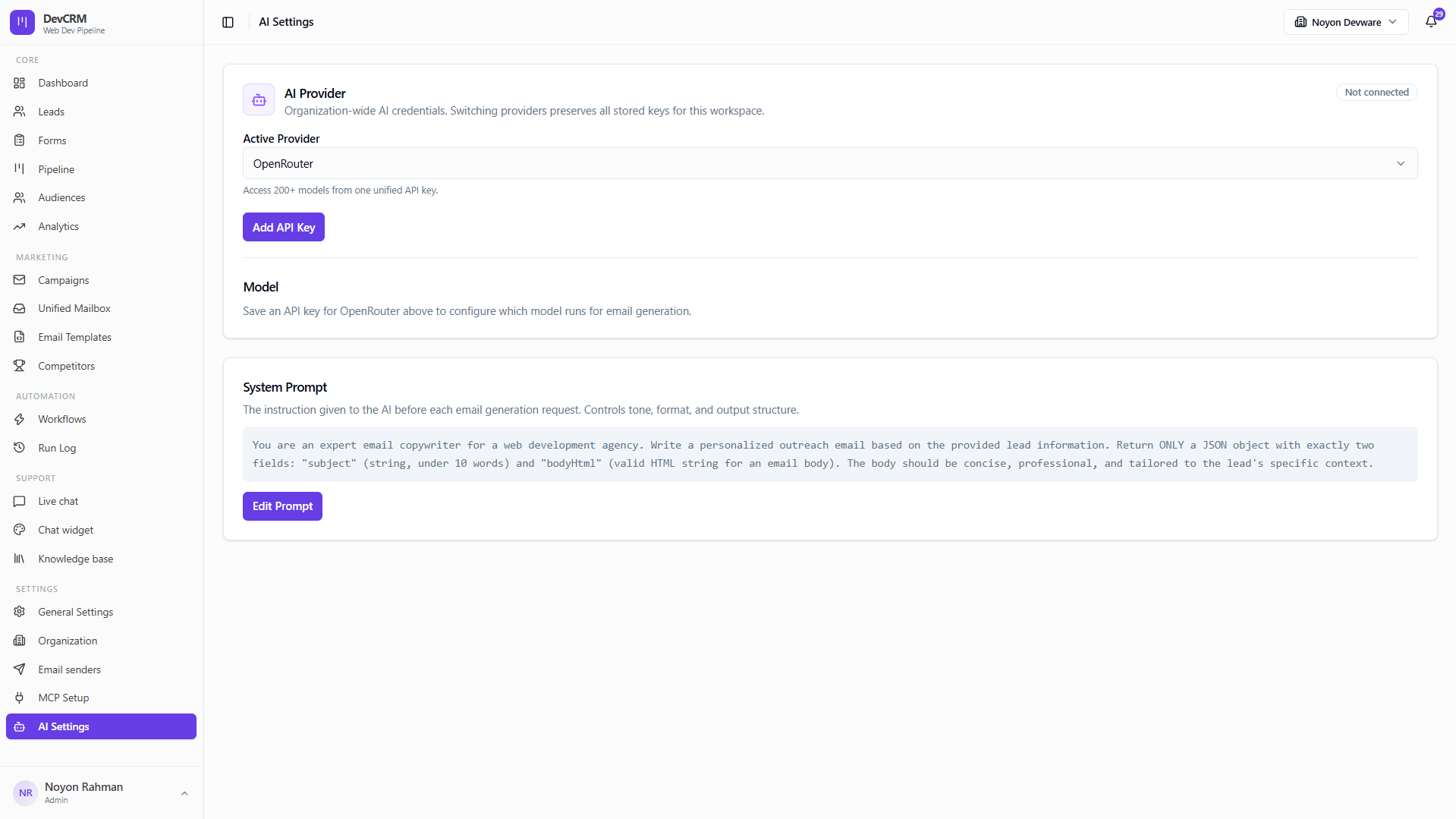
Natural Language CRM Automation
Prompt your AI assistant to: Show all deals above $50k stuck in Negotiation or Create a follow-up task for Acme Corp and watch it execute against live CRM data.
Query pipeline health, stage conversion rates, and hot leads via plain text
Instruct AI to summarize lengthy email threads before important client calls
Automate deal stage updates and note creation directly from your AI agent
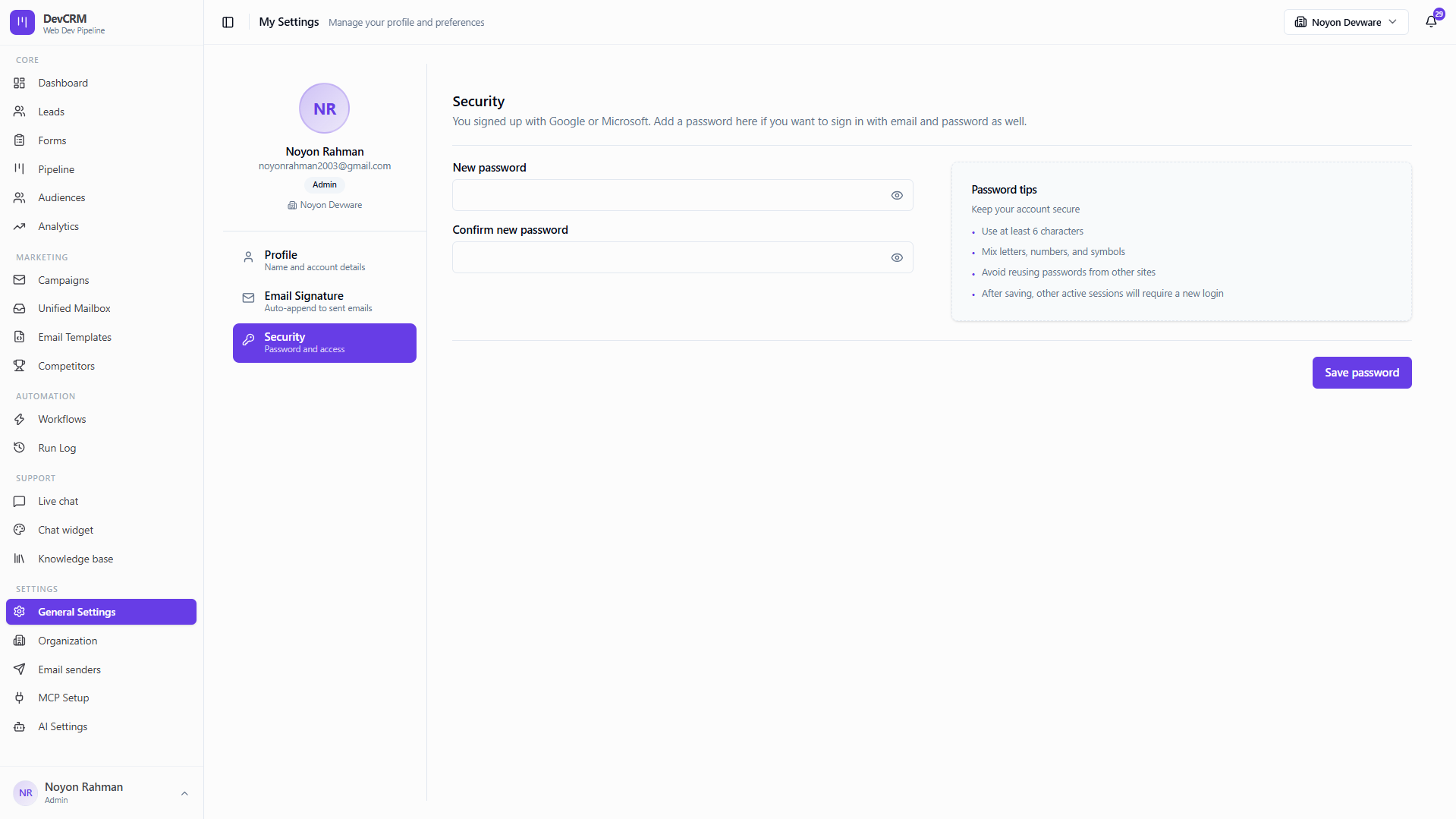
OAuth Governance & Bearer Fallback
Keep agent access scoped to the active workspace. Prefer OAuth for Cursor and Claude; mint an admin-only bearer token when a client needs a manual fallback.
OAuth locks organization and role at authorize time
Admin-minted 30-day tokens scoped to the currently active workspace
Platform-specific setup guidance so reps and engineers connect without glue code
Explore More CRM Modules

FAQ
Frequently Asked Questions
Common questions about Model Context Protocol (MCP) integration.
Ready to Supercharge Your Sales with DeveloperLook CRM?
Join fast-growing sales teams driving predictable pipeline and revenue. Set up AI & MCP Setup in minutes with no credit card required.
Get Started Free