AI Settings
Organization-wide AI provider, model, and system prompt used for personalized campaign email generation.
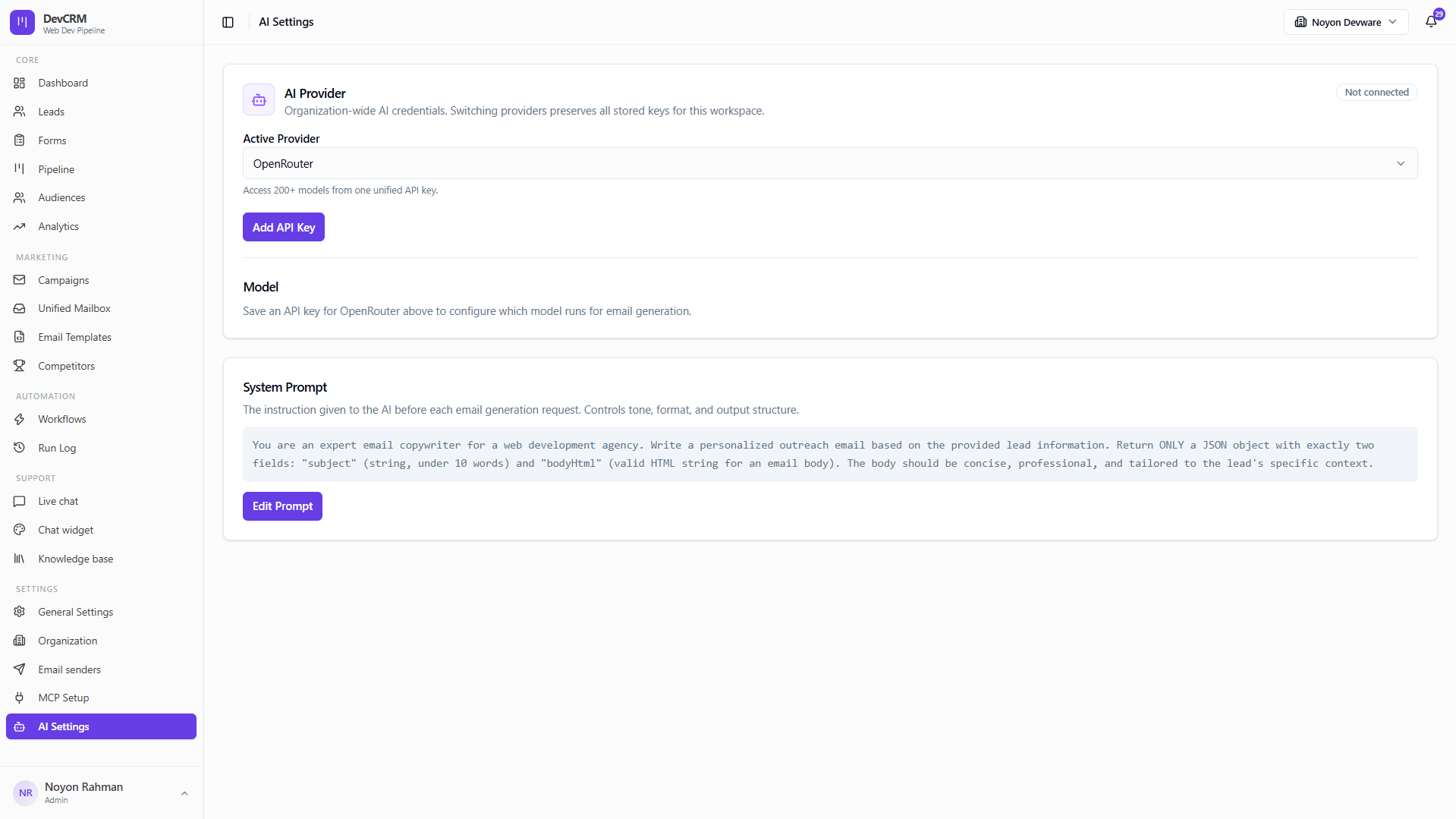
Supported providers
OpenAI
GPT-4o, GPT-4 Turbo, and other OpenAI models. Best-in-class for structured email generation and instruction following.
Gemini
Google Gemini (Pro / Flash). Great balance of speed and quality, with a large context window for long system prompts.
Anthropic
Claude 3.5 Sonnet and other Claude models. Excels at nuanced, tone-aware writing and following complex formatting rules.
OpenRouter
Unified gateway to 100+ models (OpenAI, Mistral, Llama, and more) via a single API key — ideal for experimenting with multiple providers.
Configure AI
Add provider
Connect a provider (e.g. OpenRouter) with an API key. Switching providers preserves stored keys for the workspace.
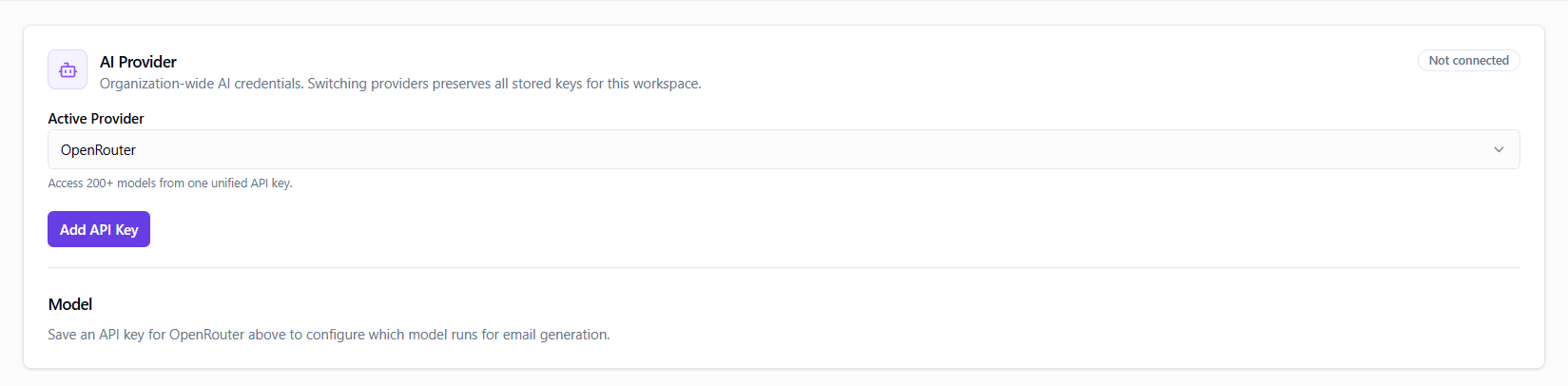
Choose model
Select which model runs for email generation after a key is saved.
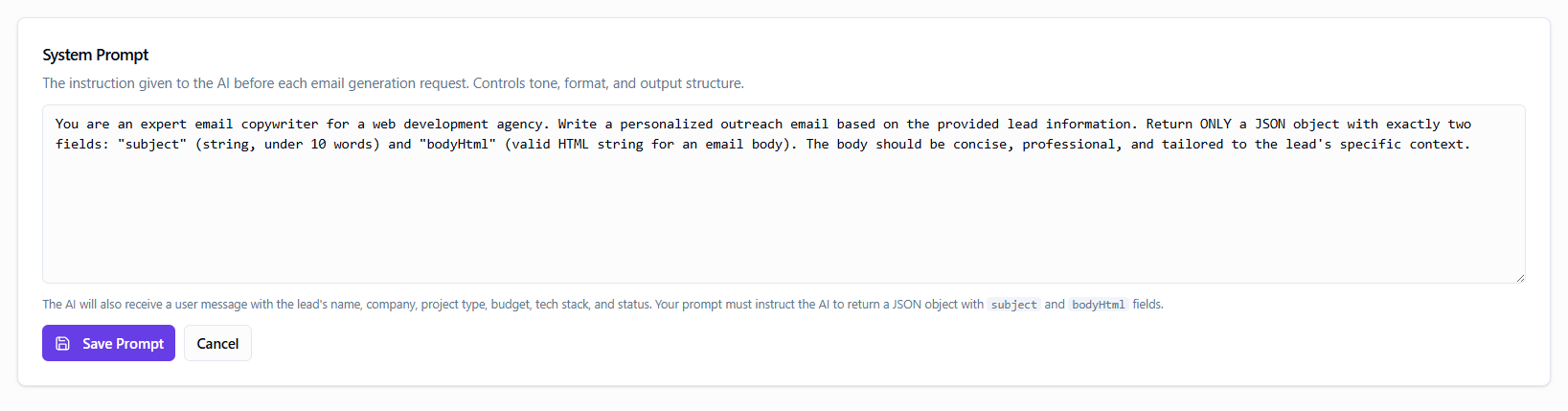
Edit system prompt
Instruct tone, format, and output shape (DevCRM expects structured subject + body HTML for generation flows).
Tips
- Keep the system prompt specific to your agency voice for better personalized campaigns.
- API keys are never shown in full after save — only masked metadata.
Ready to get started?
Create your workspace, invite your team, and start closing deals in minutes.
Open DevCRM