Chat Widget
Brand the floating chat launcher visitors see on your site — colors, logo, welcome copy, and home sections.
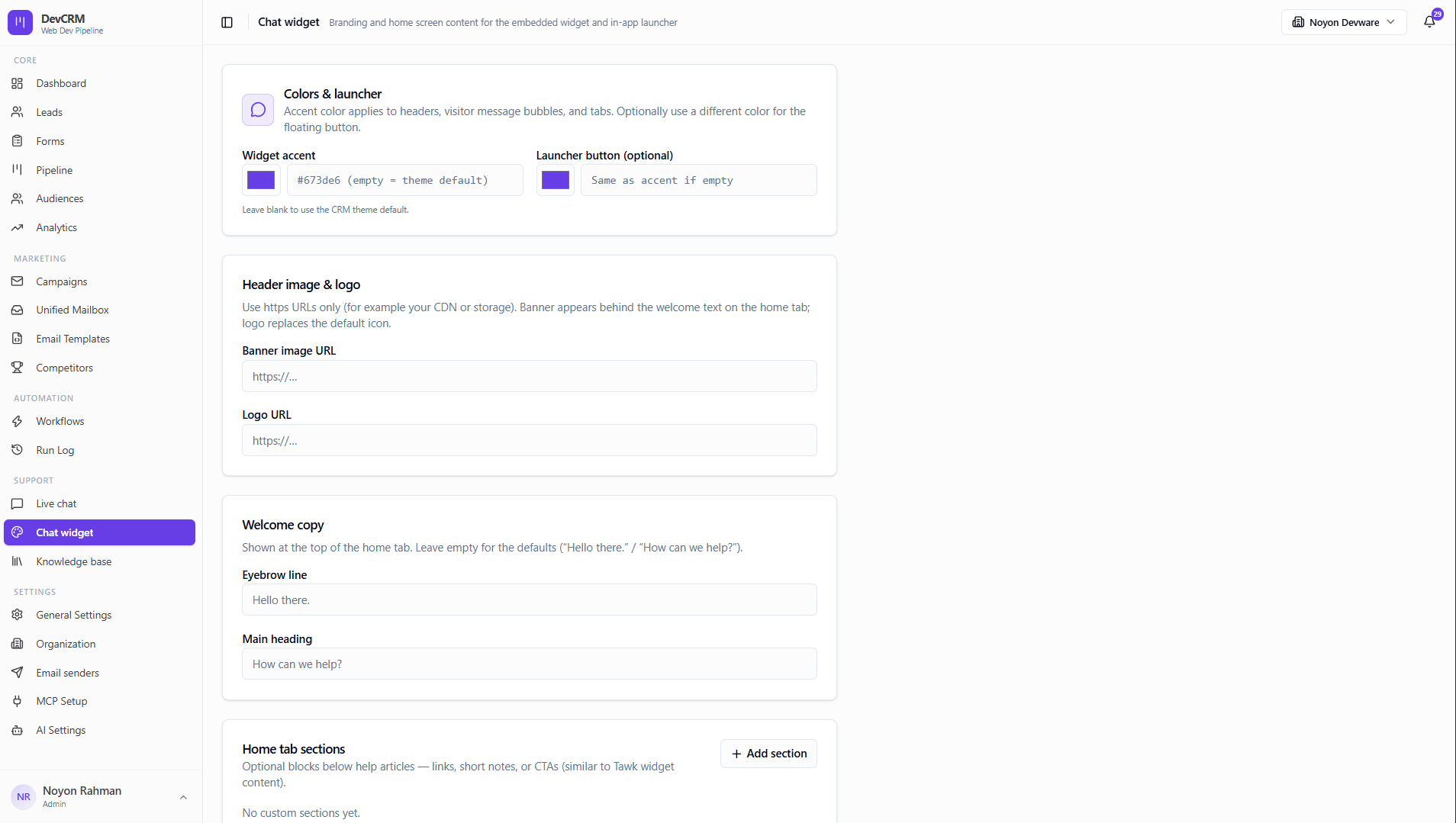
Configure the widget
Colors & launcher
Set widget accent and optional launcher button color. Blank uses the CRM theme default.
Header image & logo
Use https URLs for banner and logo assets on your CDN.
Welcome copy
Customize the eyebrow and main heading on the home tab (defaults: Hello there / How can we help?).
Tips
- Embed the widget script from your CRM install snippet on marketing pages.
- Toggle which Knowledge Base articles appear in the visitor help tab.
Ready to get started?
Create your workspace, invite your team, and start closing deals in minutes.
Open DevCRM