Getting Started
Create your account, sign in, and complete the first setup checklist so leads, email, and automation are ready from day one.
Create an account
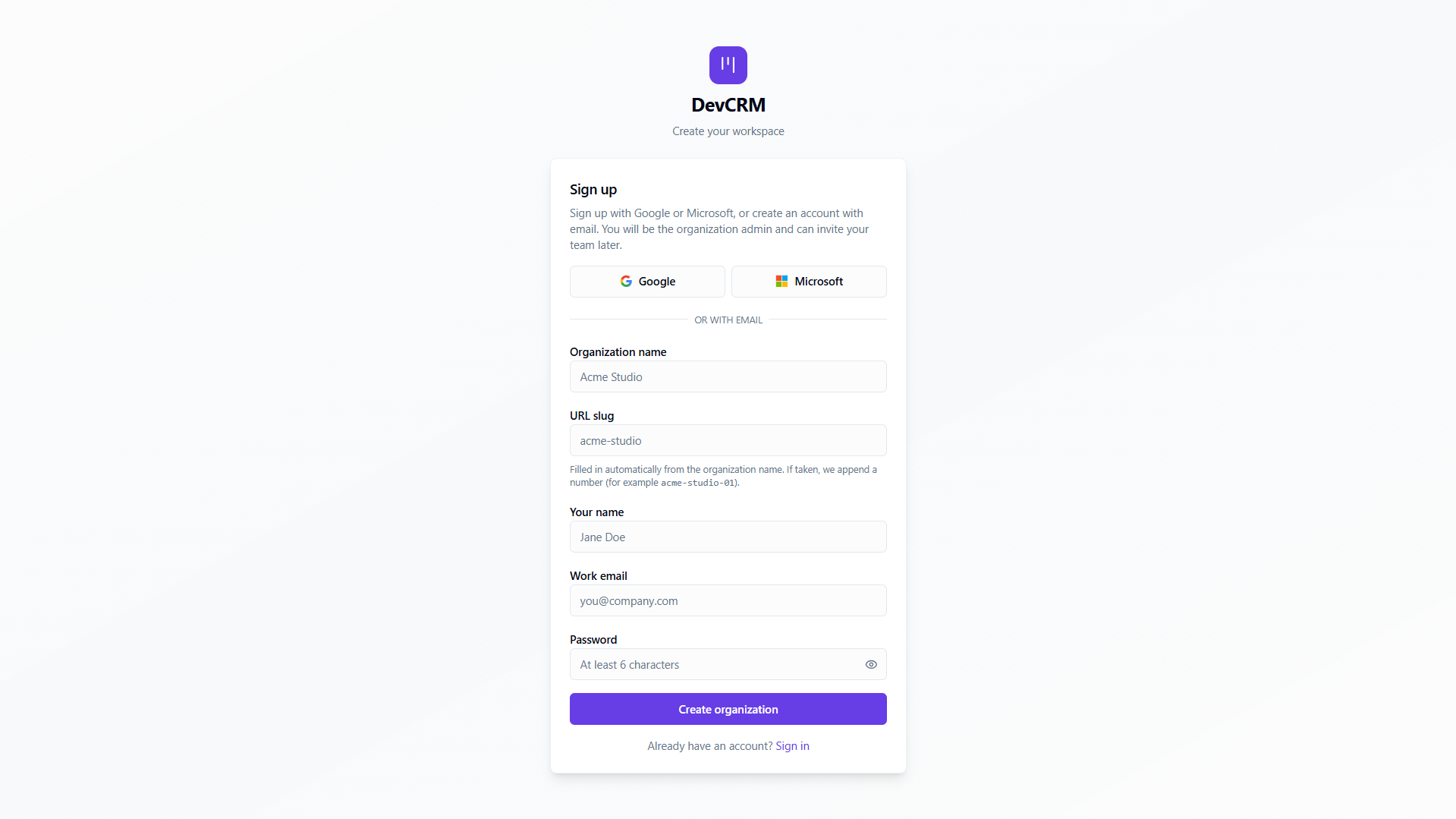
Sign up
Go to crm.developerlook.com/signup, enter your name, work email, and password, then click Create account.
Sign in to DevCRM
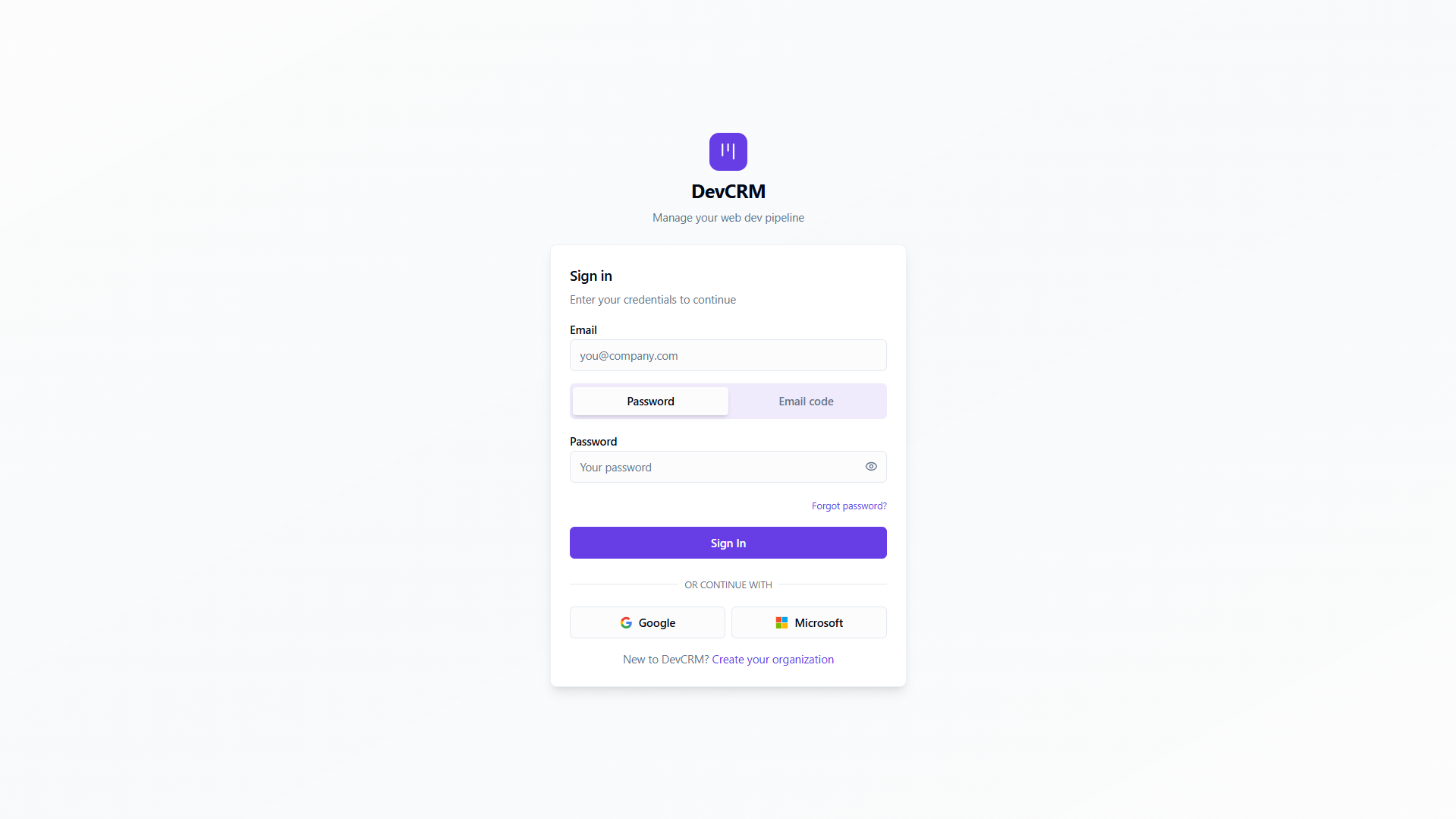
Email & password
Go to crm.developerlook.com/login, enter your email and password, then click Sign in.
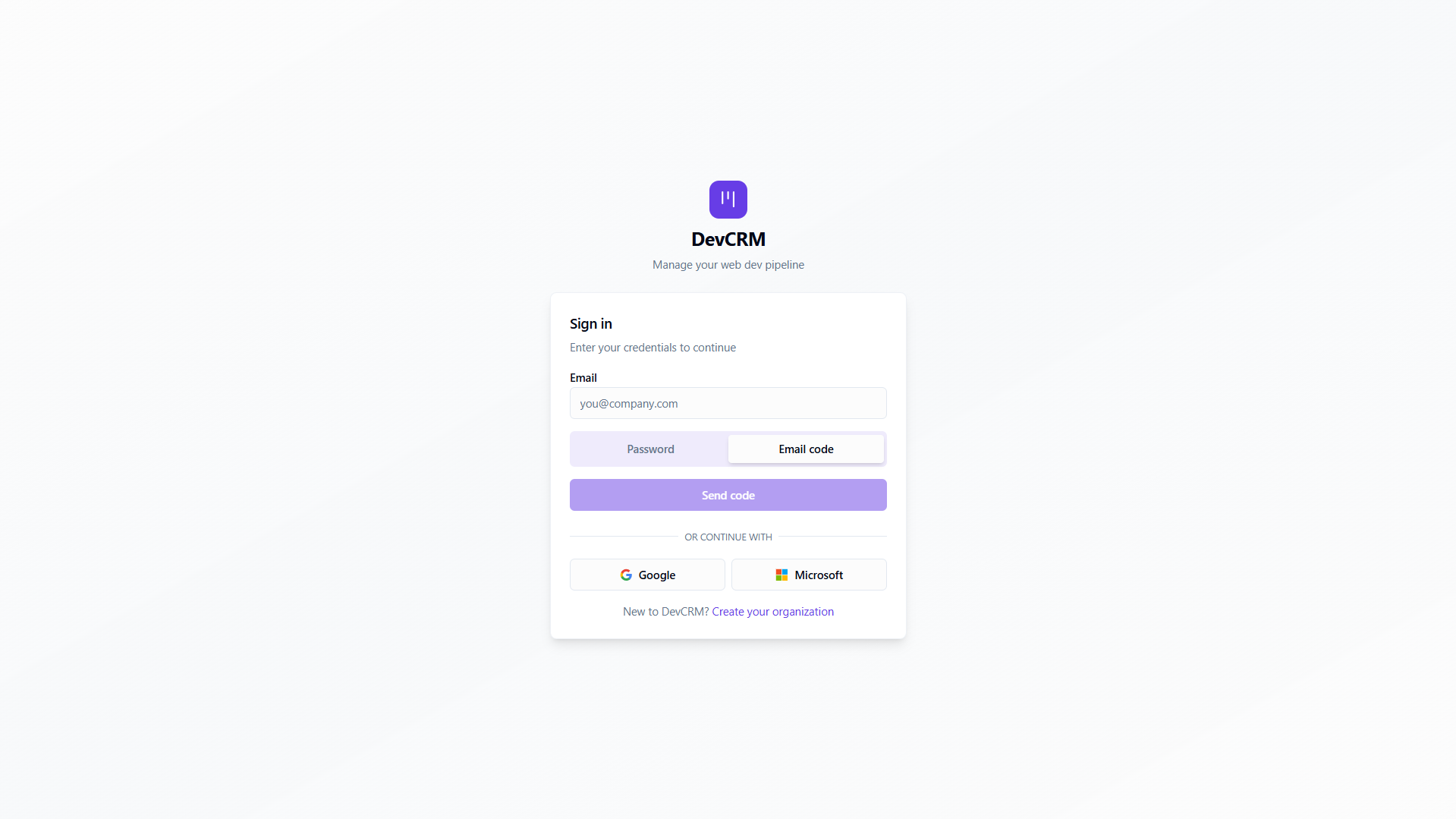
Email code (passwordless)
On the login page choose Sign in with email code. Enter your email, receive a one-time code, and paste it to authenticate — no password needed.
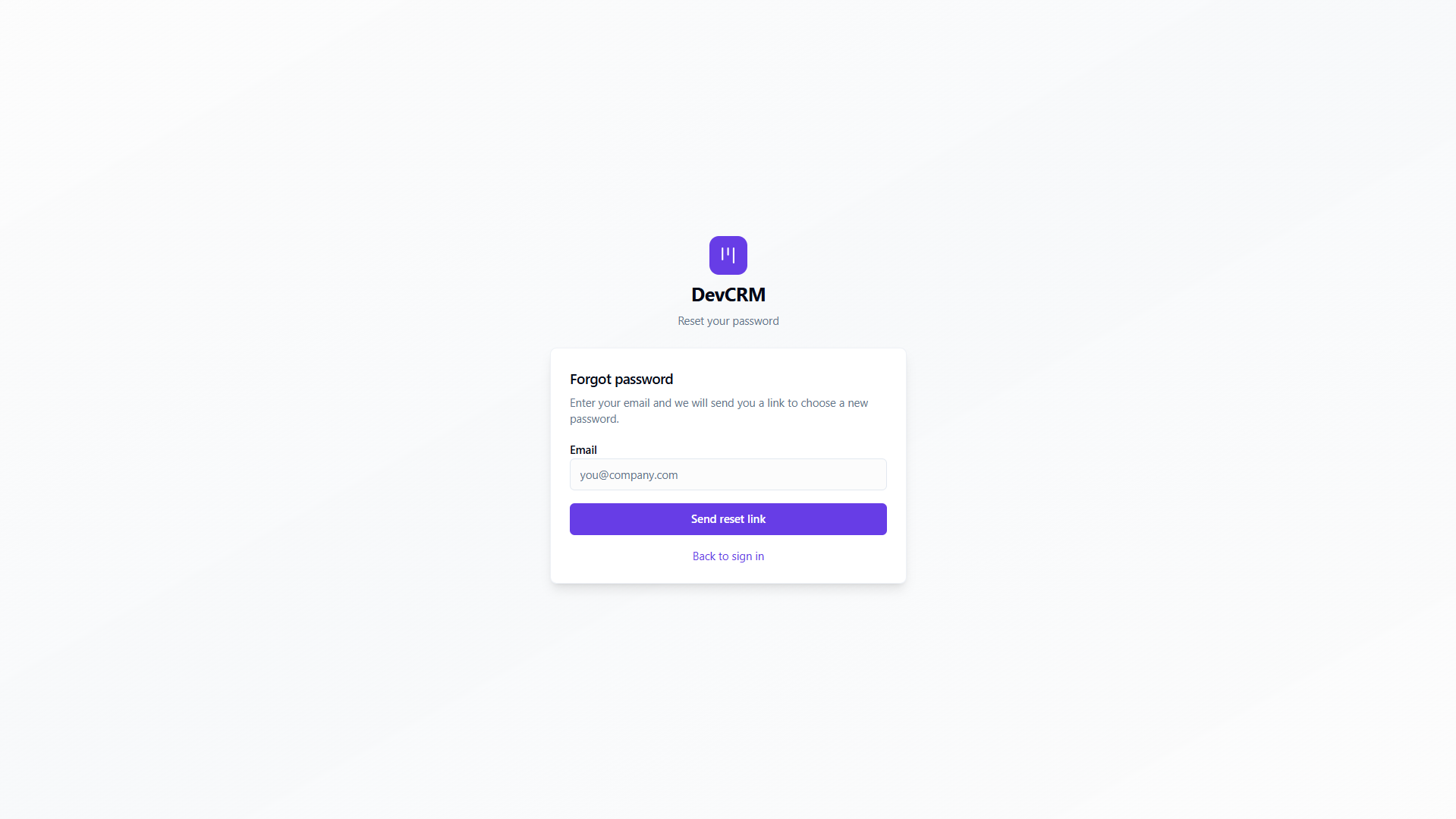
Forgot password
Click Forgot password on the login page, enter your email, and follow the reset link sent to your inbox.
Confirm your workspace
After login you land on the Dashboard. Use the organization switcher in the header if you belong to more than one workspace.
First-run setup
Complete the setup checklist
Work through this order:
Organization
Set display name, branding, members, and optional lead ingest integrations under Settings → Organization.
Email senders
Connect Gmail, Microsoft, or Custom SMTP so campaigns, mailbox, and workflows can send mail.
Pipeline stages
Open Pipeline → Manage pipeline stages and align stage names with how your team sells.
First form or audience
Publish a Contact / Demo form, or create an Audience list for outreach.
Admins invite teammates from Organization → Members. Invited users join the same pipeline, audiences, and settings for that workspace.
Tips
- Use the email code (passwordless) option if you share a device or work across multiple accounts.
- Keep one Default sender for transactional mail and separate senders for campaigns if you warm domains.
- Map every published form to an audience so submissions land in the right lead columns.
Ready to get started?
Create your workspace, invite your team, and start closing deals in minutes.
Open DevCRM