Run Log
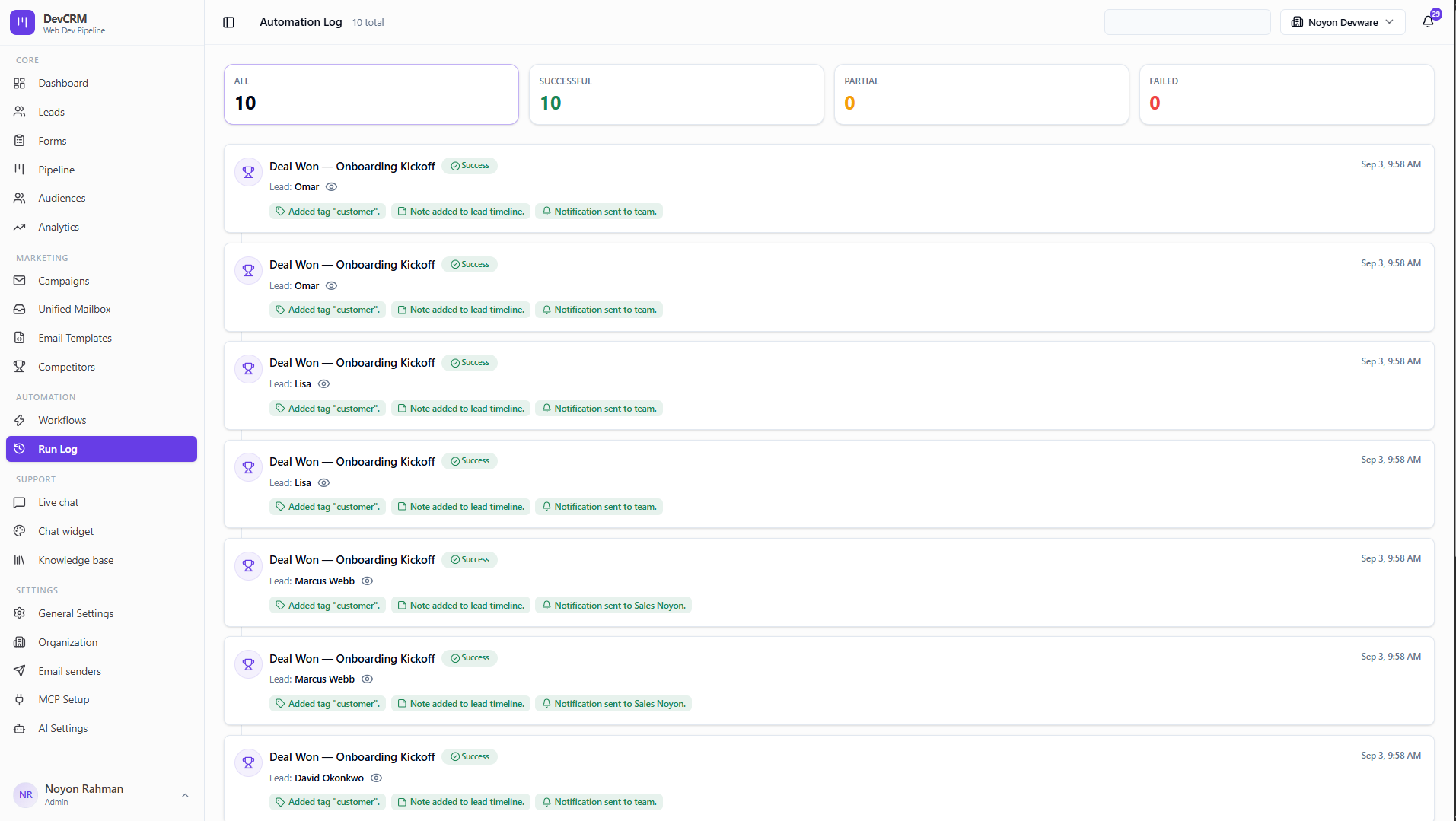
Audit trail for every workflow execution — see what fired, on which lead, and whether actions succeeded.
How to use Run Log
Inspect runs
Open Run Log from Automation. Filter or open a row to see trigger payload and action results when something did not send as expected.
Tips
- If emails did not send, check Run Log first, then Email Senders limits and template selection.
Ready to get started?
Create your workspace, invite your team, and start closing deals in minutes.
Open DevCRM