Organization
Workspace profile, branding, members, invites, and lead integrations for the active organization.
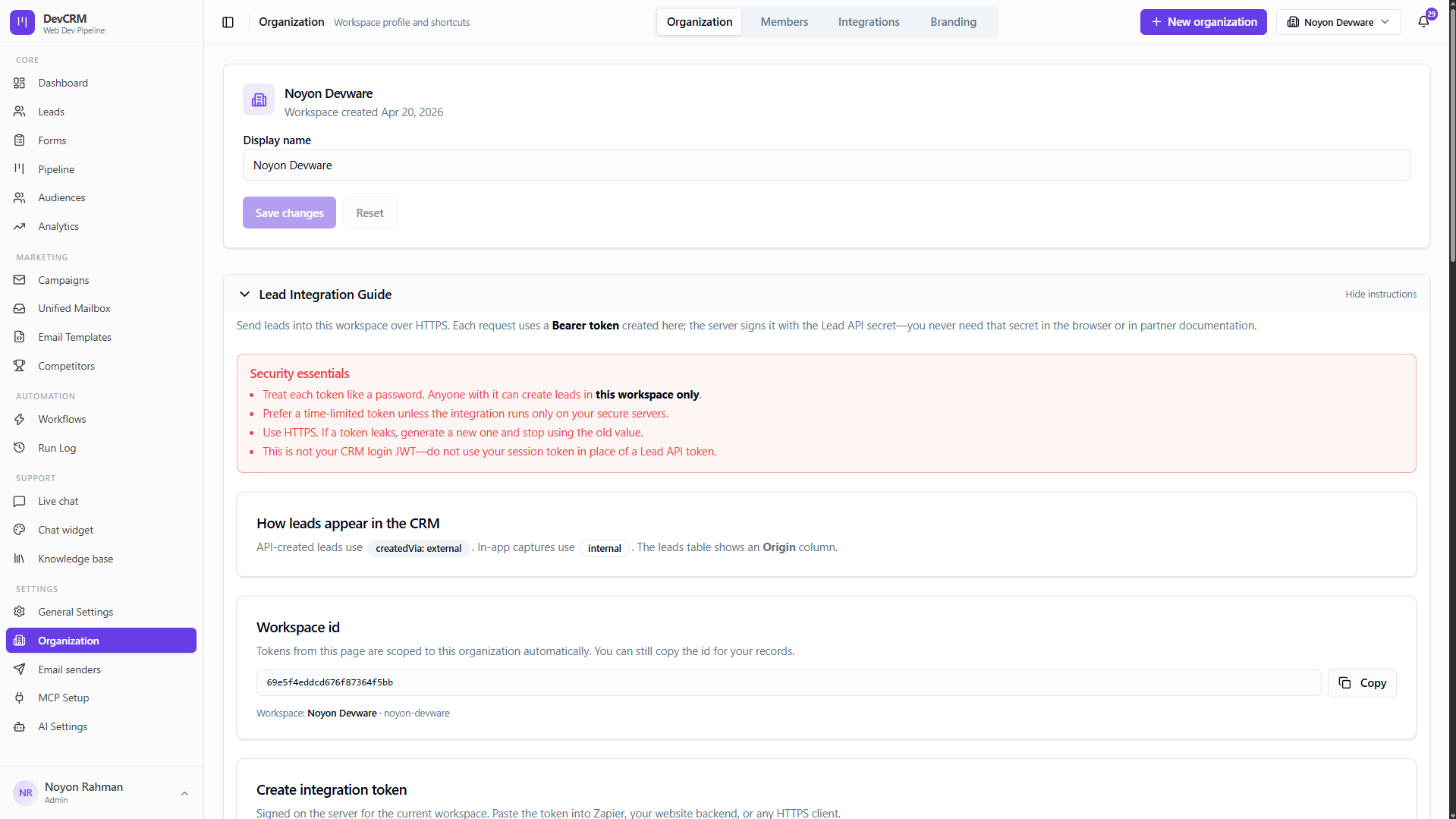
Workspace & branding
Display name
Update the workspace display name shown in the app header.
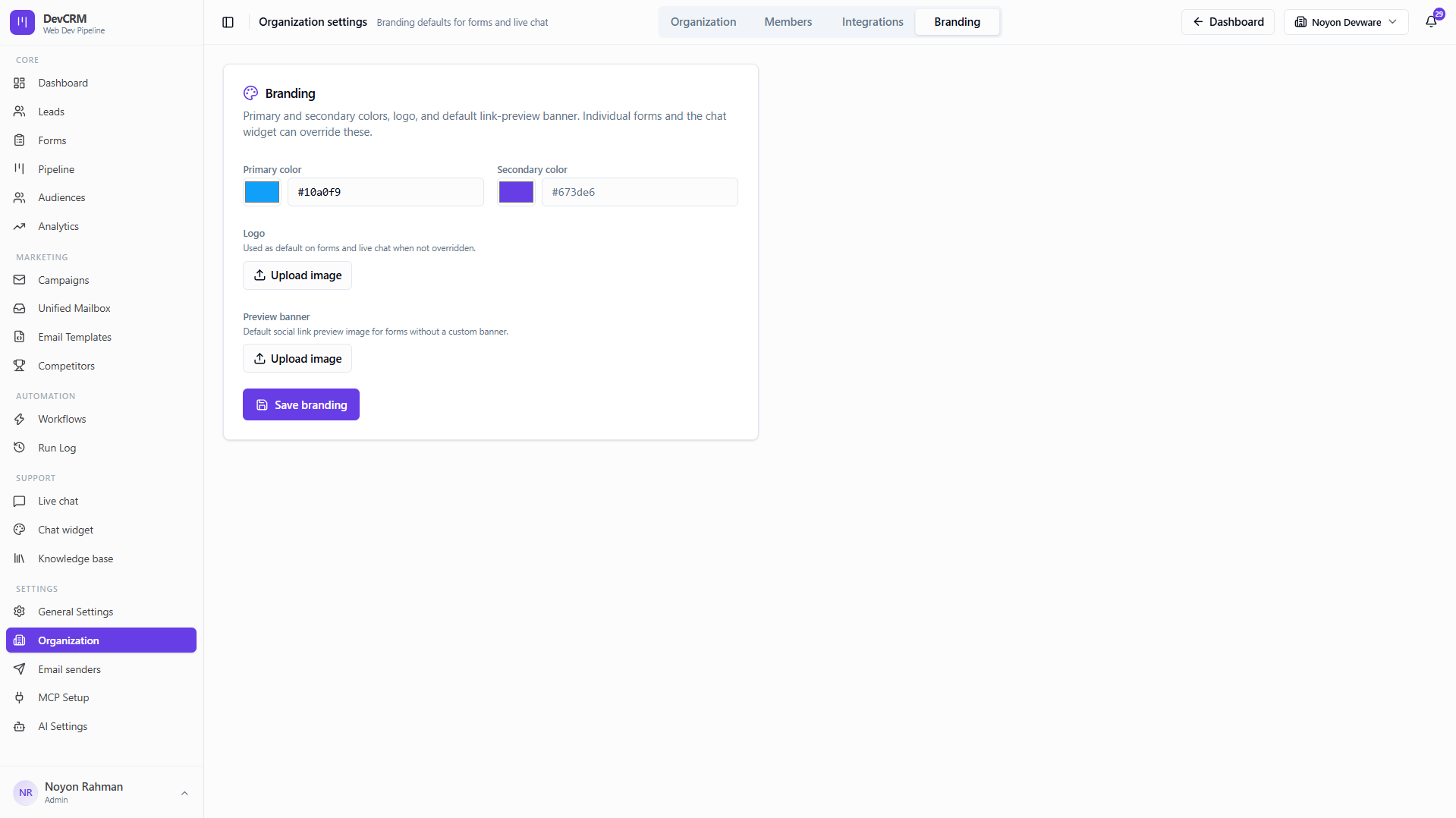
Branding
Upload logos and brand assets used across customer-facing surfaces.
Lead Integration Guide
Send leads into your workspace over HTTPS. Each request uses a Bearer token created here; the server signs it with the Lead API secret — you never need that secret in the browser or in partner documentation.
Security essentials
- Treat each token like a password. Anyone with it can create leads in this workspace only.
- Prefer a time-limited token unless the integration runs only on your secure servers.
- Use HTTPS. If a token leaks, generate a new one and stop using the old value.
- This is not your CRM login JWT — do not use your session token in place of a Lead API token.
How leads appear in the CRM
API-created leads use createdVia: external. In-app captures use internal. The Leads table shows an Origin column so you can filter by source.
Create an integration token
Choose token expiry
Select how long the token should remain valid. Options: Does not expire (best for trusted server-side integrations), 90 days (good default for partner or form integrations), or 1 year (long-lived; plan to refresh before expiry).
Add a label (optional)
Add a human-readable label stored in the token as sub for your server logs and audit trail.
Assign audience lists (optional)
Select audience lists to embed in the token. Leads submitted with this token are added to those lists automatically — no list IDs are required in the JSON body.
Click Create token
Copy the token immediately and store it securely. It will not be shown again.
API Endpoints
Both endpoints are POST and require the ingest Bearer token in the Authorization header.
| Method | Path | Description |
|---|---|---|
POST | /integrations/leads | Create one lead |
POST | /integrations/leads/bulk | Create up to 100 leads at once |
Allowed field values (enumerations)
Use these exact strings in the JSON body:
source
upwork · referral · website · ads · linkedin · other
status
new · qualified · proposal · negotiation · won · lost
projectType
saas · web_app · ai · e_commerce · mobile_app · other
budgetRange
under_5k · 5k_to_15k · 15k_to_50k · 50k_to_100k · over_100k
Limits and protections
- Per-IP rate limits: ~120 requests / 60 s (configurable via LEAD_INGEST_RATE_MAX and LEAD_INGEST_RATE_WINDOW_MS).
- Request body limit: 1 MB.
- Bulk: at most 100 leads per request.
HTTP status codes
| Code | Meaning |
|---|---|
201 | New lead created, or bulk: at least one new lead created. |
200 | Single lead: same email already exists — response includes duplicate: true and the existing lead (no error). Bulk: nothing new to insert (may include skipped for duplicate emails). |
400 | Validation error or JWT missing organization claim. |
401 | Missing or invalid Bearer token. |
404 | Organization in token not found. |
429 | Rate limited. |
503 | Ingestion disabled (secret not configured). |
Members
View members
See everyone with access to this workspace and their roles.
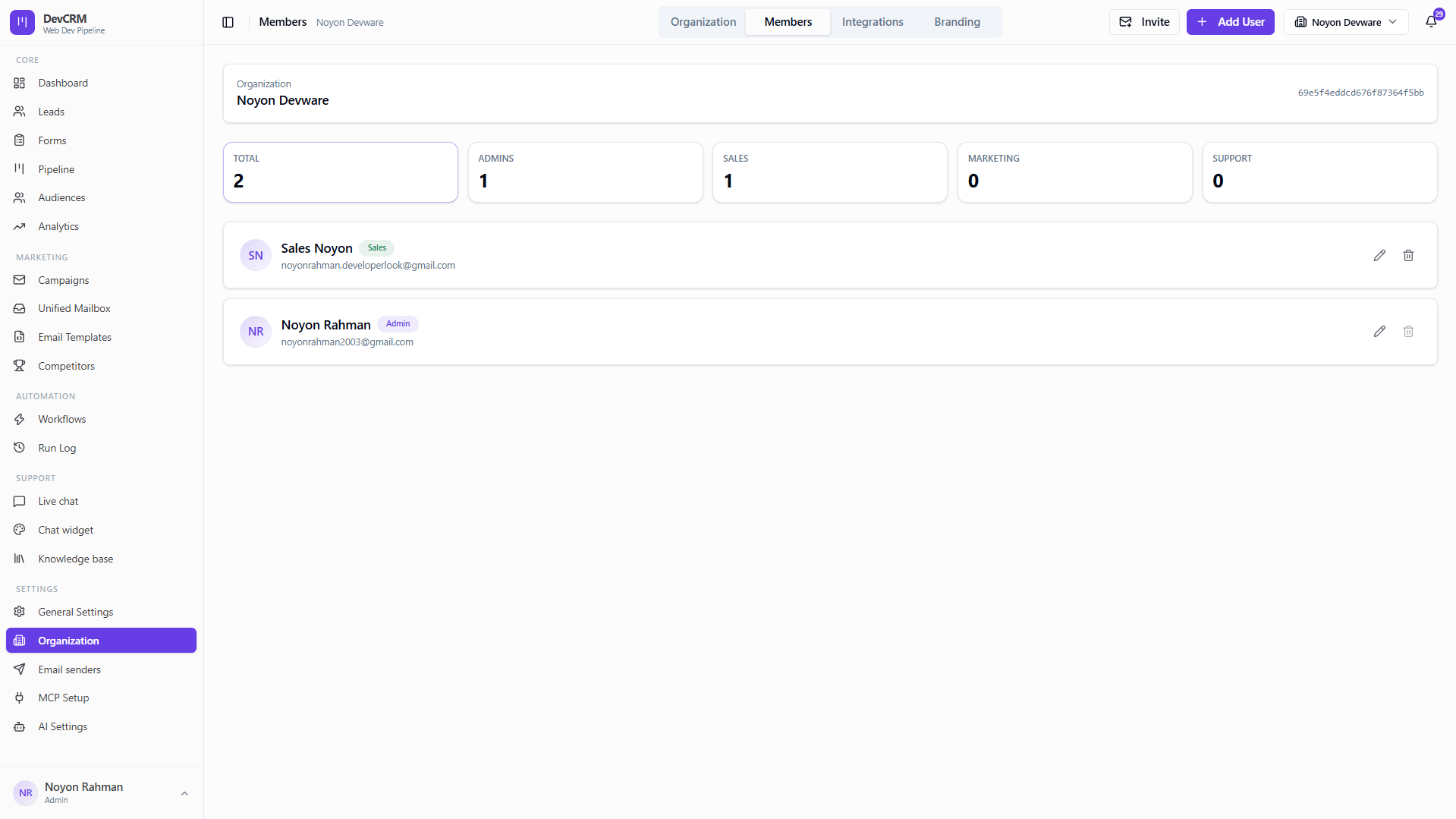
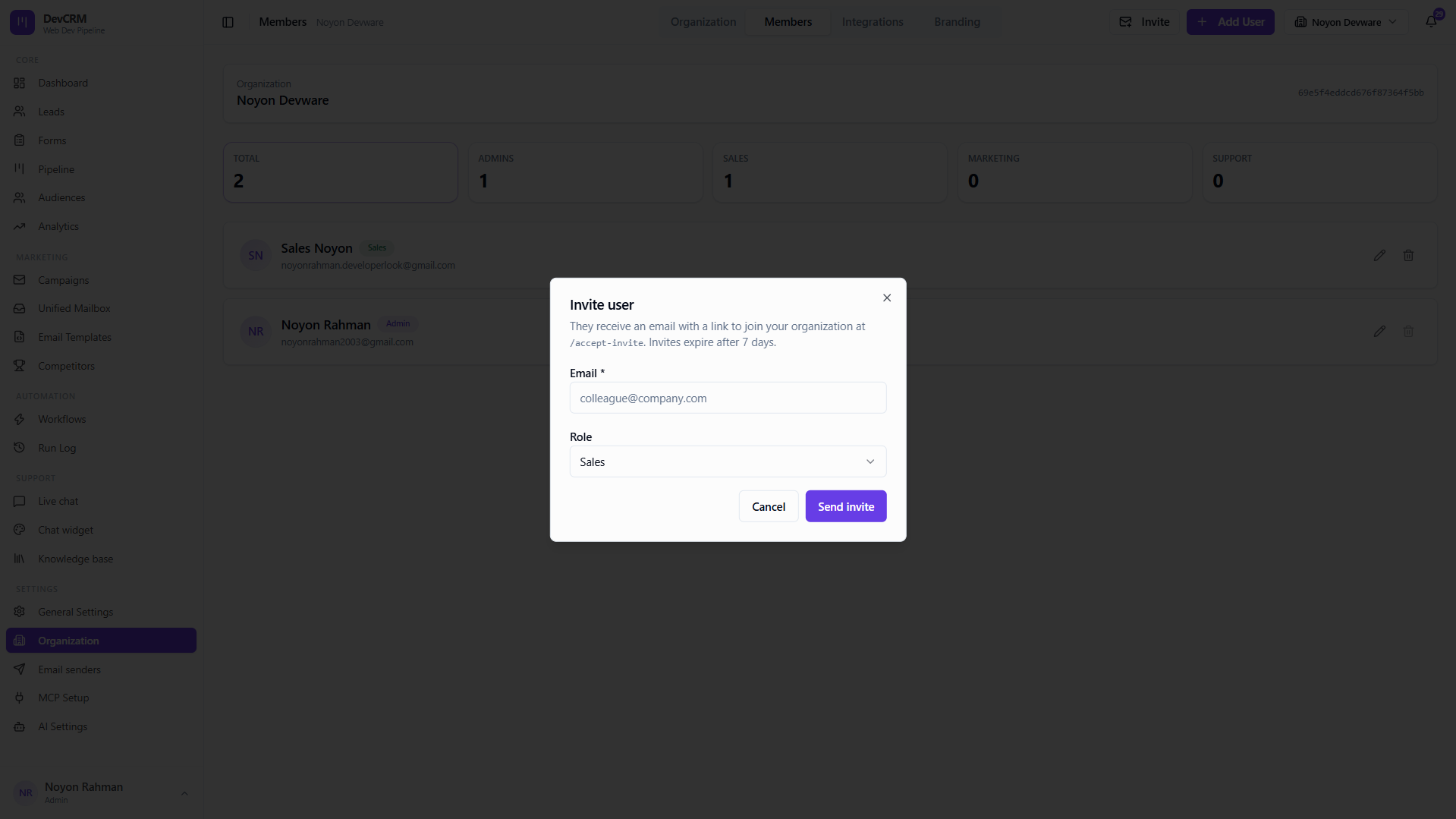
Invite member
Send an invite email with the appropriate role.
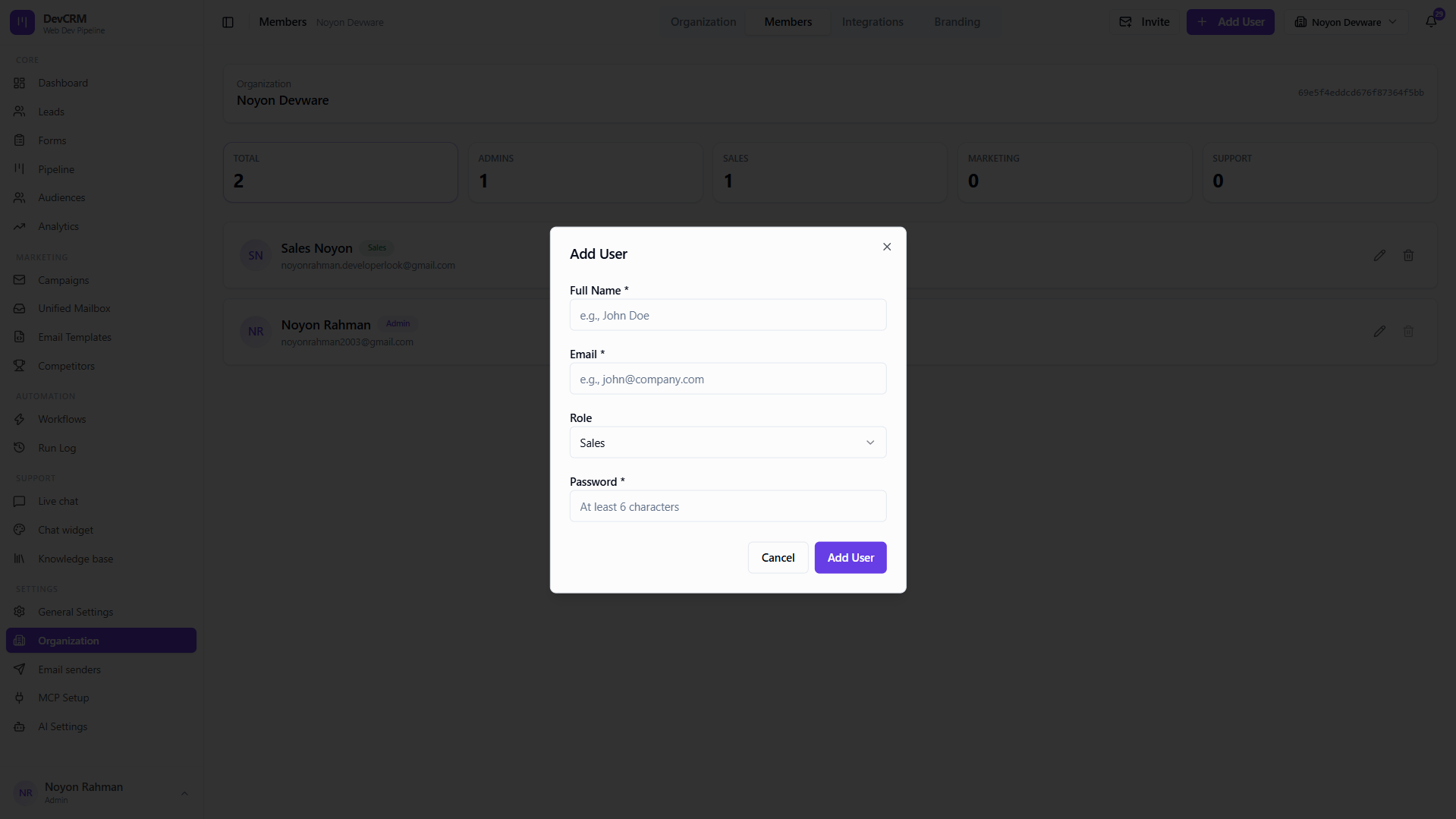
Add manually
Admins can create users manually when invite email is not preferred.
Additional workspaces
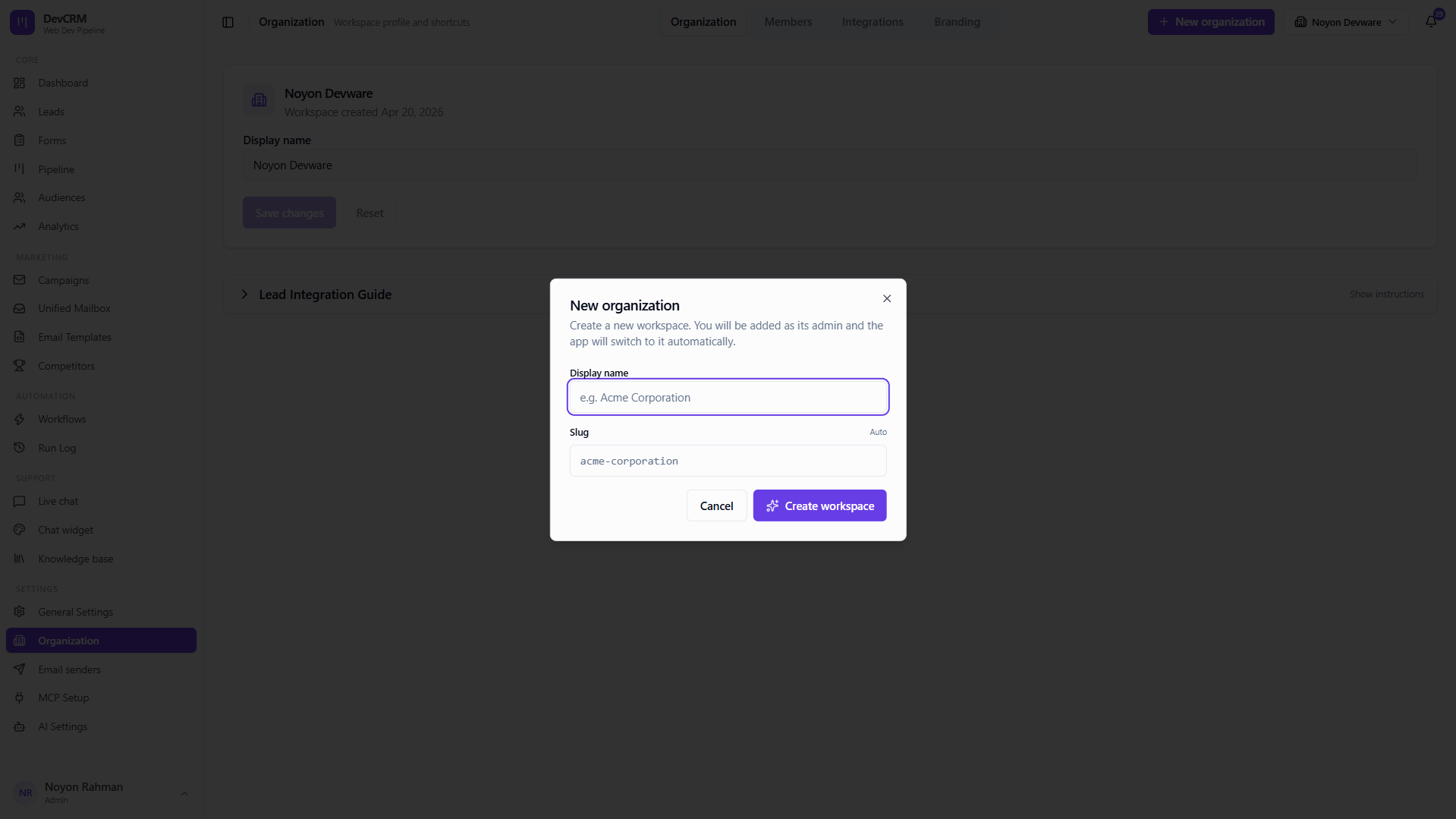
Add organization
Create another organization when you need a separate pipeline and data boundary.
Tips
- MCP OAuth locks organization and role at authorize time — reconnect if you switch workspaces.
- Use time-limited tokens (90 days) for form or partner integrations; reserve non-expiring tokens for your own secure server backends.
- The Origin column in Leads (external vs internal) helps you track which leads came via the API vs in-app entry.
Ready to get started?
Create your workspace, invite your team, and start closing deals in minutes.
Open DevCRM