Workflows
IF → THEN automations for lead capture, form submits, stage changes, score thresholds, and deal won/lost — without custom code.
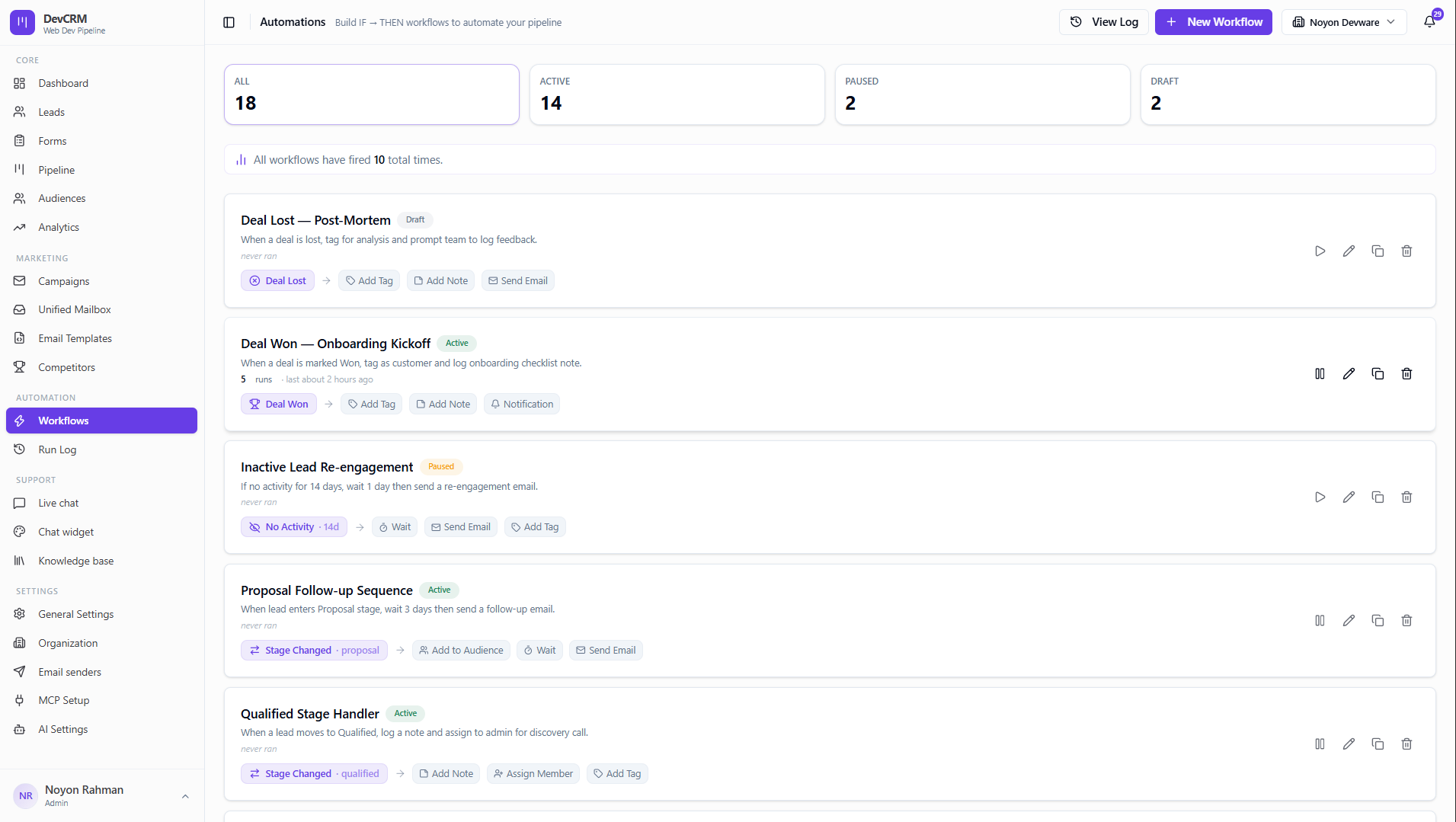
Create a workflow
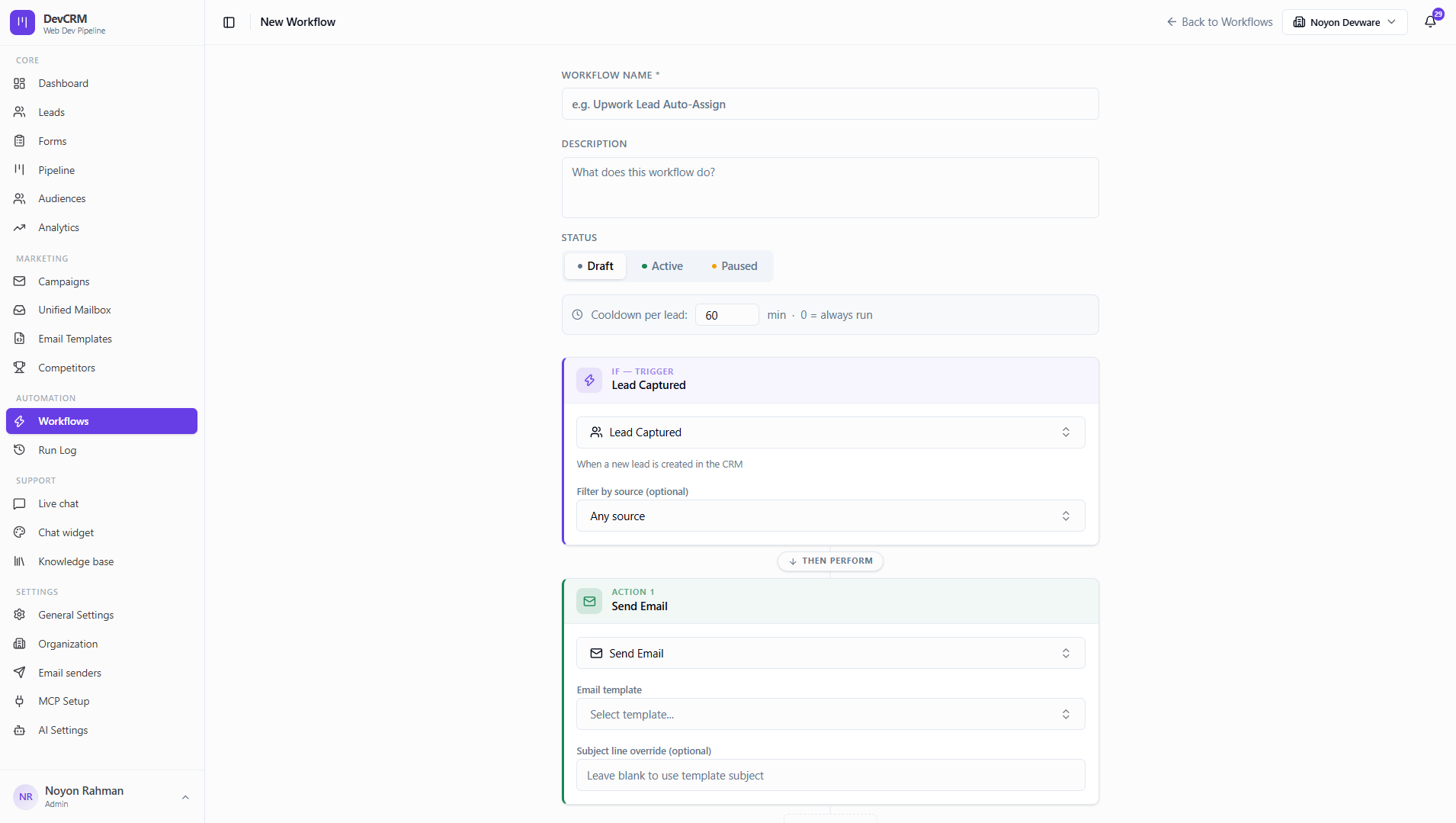
Step 1: New Workflow
Open Workflows → create New Workflow. Set name, description, status (Draft / Active / Paused), and cooldown per lead (minutes; 0 = always run).
Trigger (IF)
Examples: Lead Captured, Form Submitted, Stage Changed, Score Threshold, Deal Won, Deal Lost, No Activity.
Actions (THEN)
Send Email, Add Tag, Add Note, Assign Member, Add to Audience, Notification, Wait, and more.
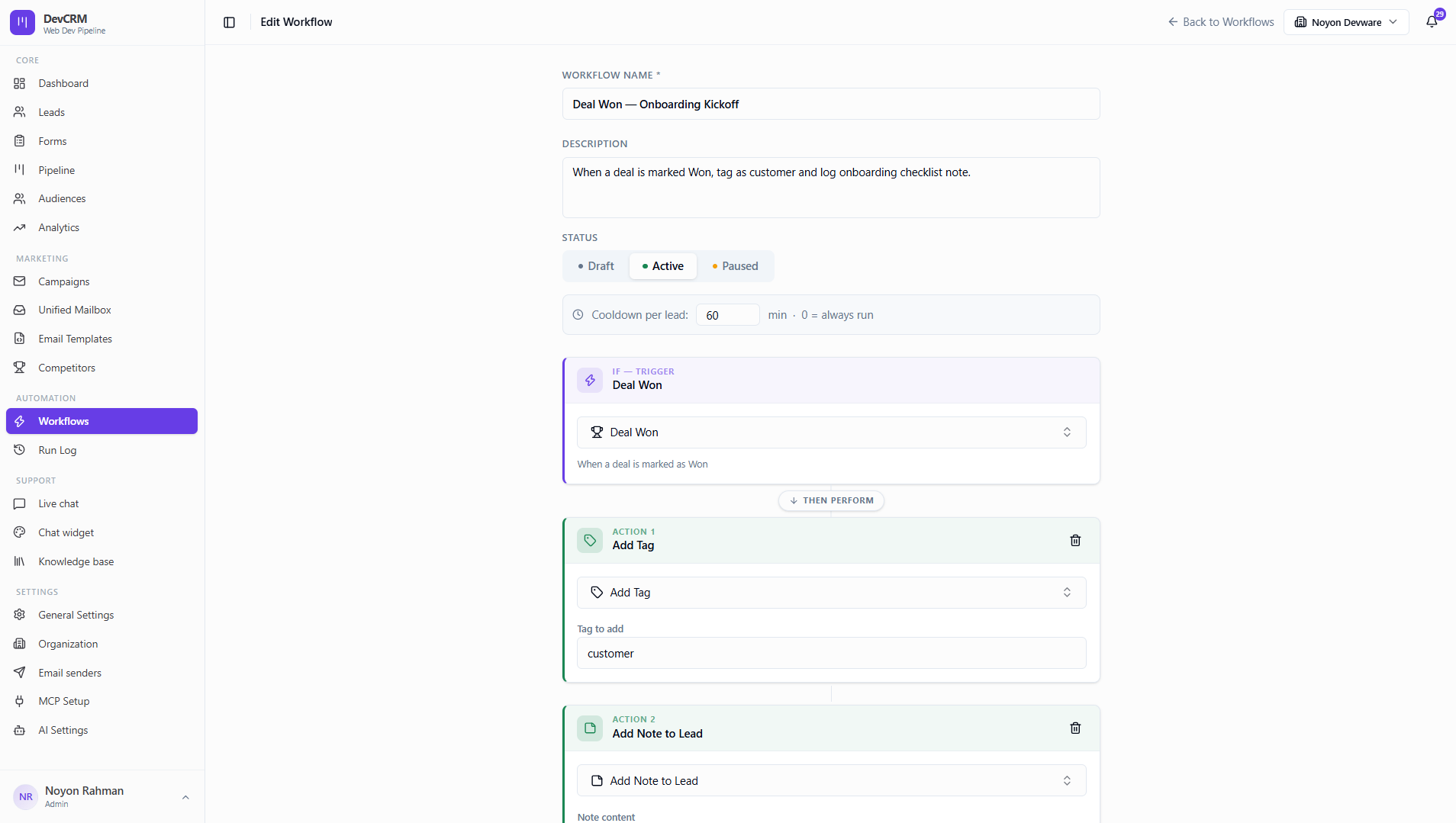
Step 2: Activate
Switch status to Active when ready. Keep Draft while testing triggers and templates.
Edit or delete
Open a workflow to edit blocks, or delete unused drafts.
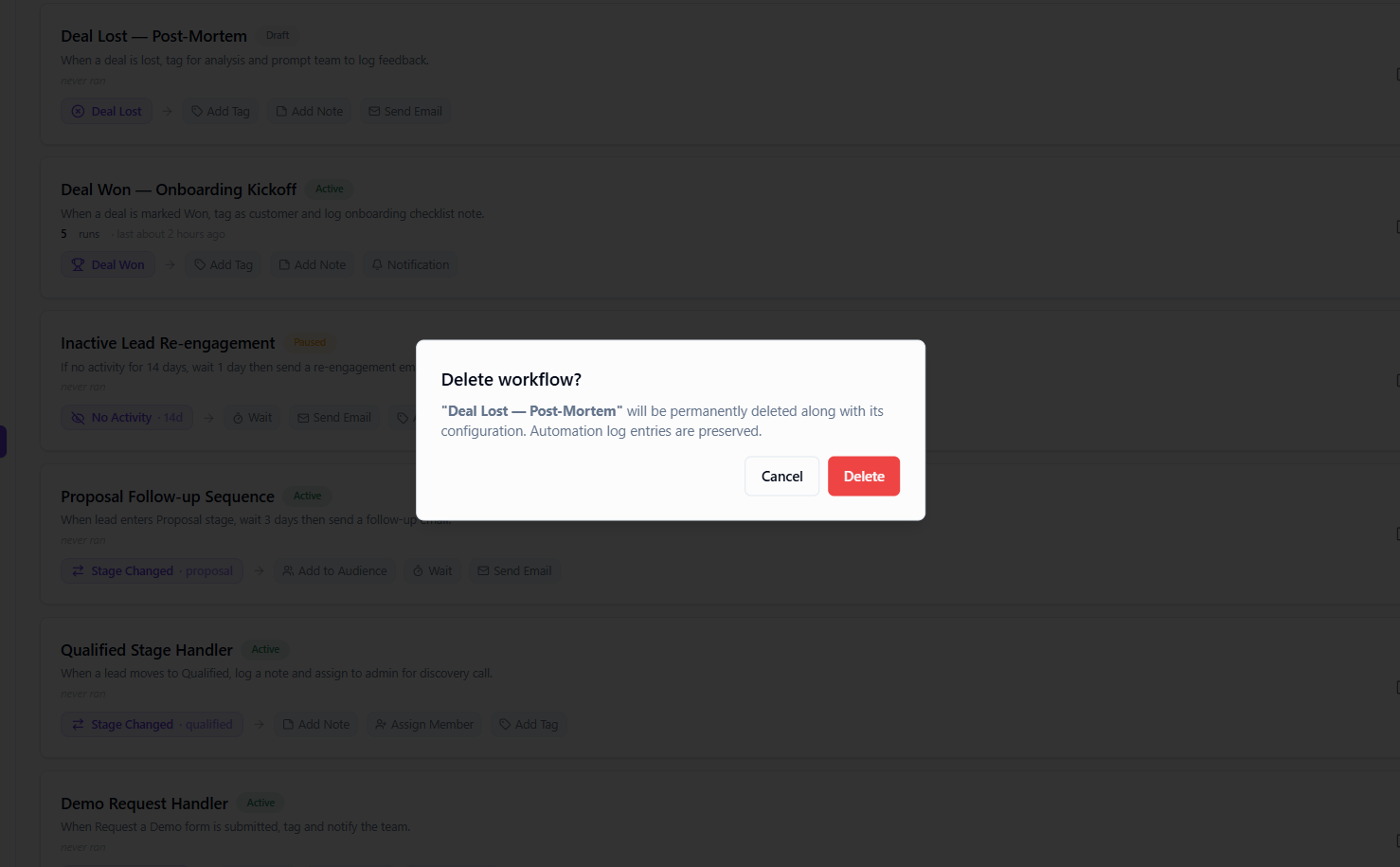
Delete
Confirm deletion when a workflow is no longer needed.
Tips
- Use cooldown to avoid spamming the same lead with repeated welcome emails.
- Form Submitted + Notification is a strong default for Demo Request forms.
Ready to get started?
Create your workspace, invite your team, and start closing deals in minutes.
Open DevCRM