Audiences
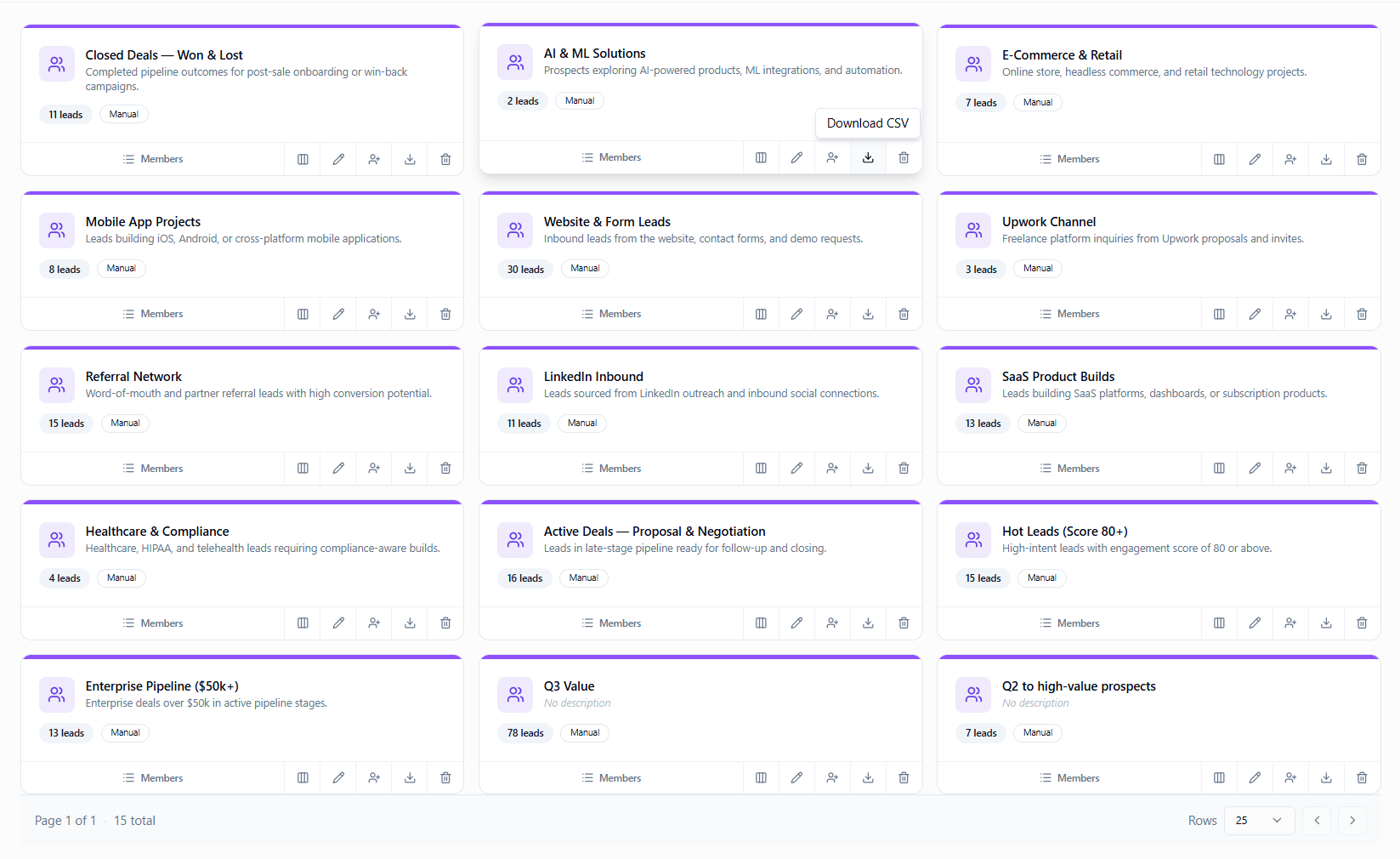
Segment leads into lists for campaigns, pipeline filters, and outreach. Lists are the targeting layer for email.
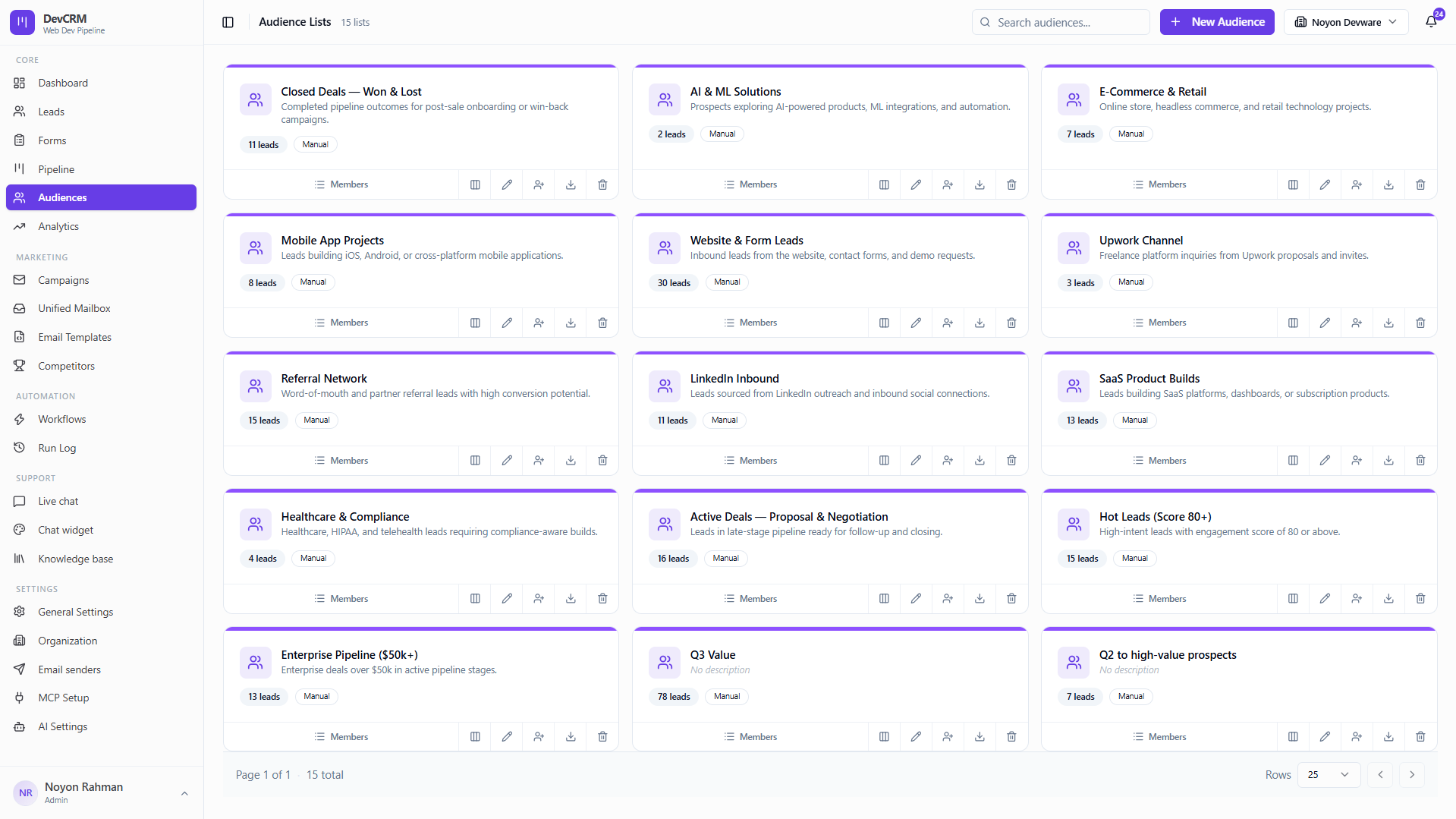
Create a list
New audience
Create a list with a clear name and description (e.g. Hot Leads Score 80+).
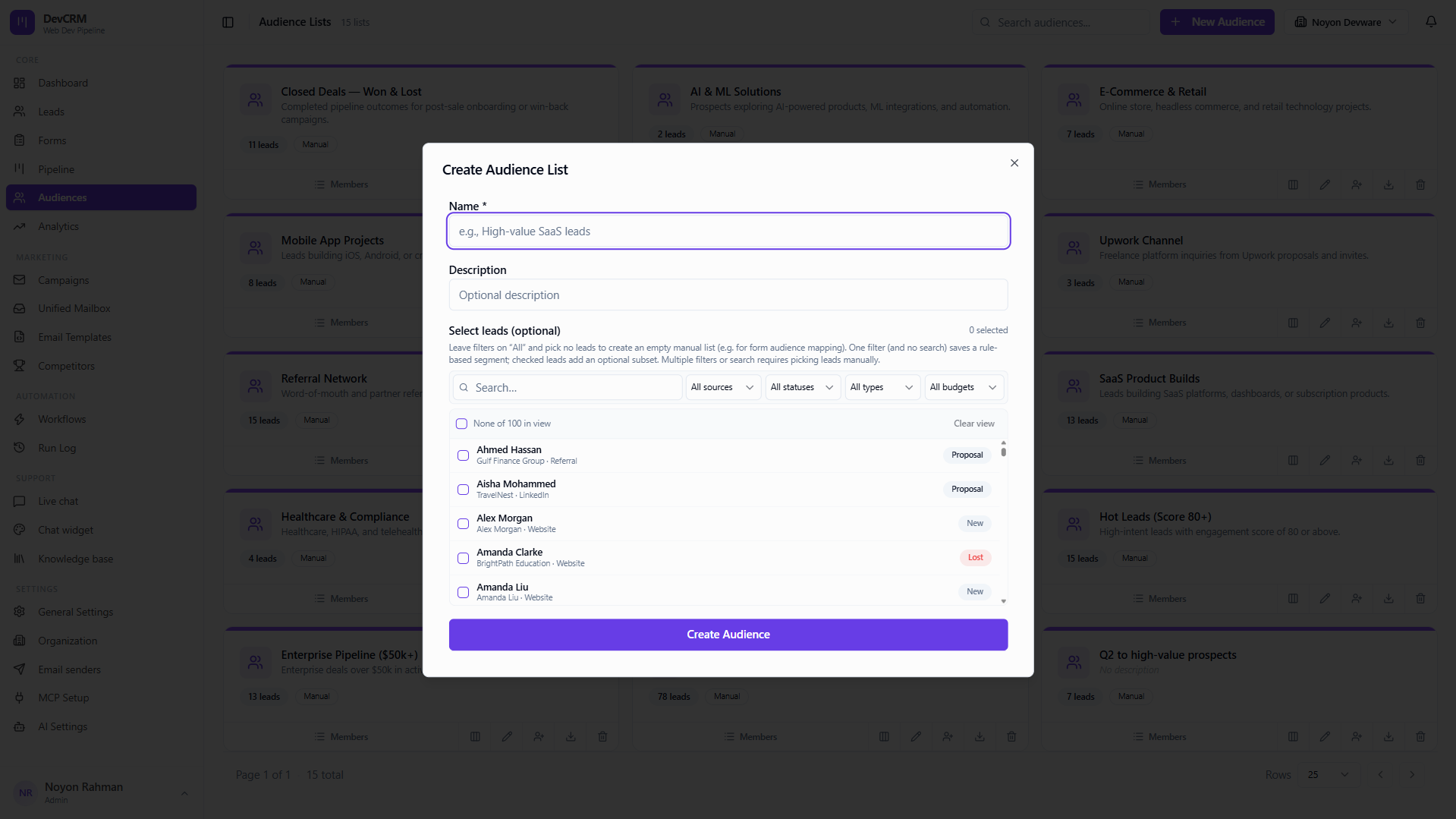
Manage members
View members
Open a list to see every lead currently on it.
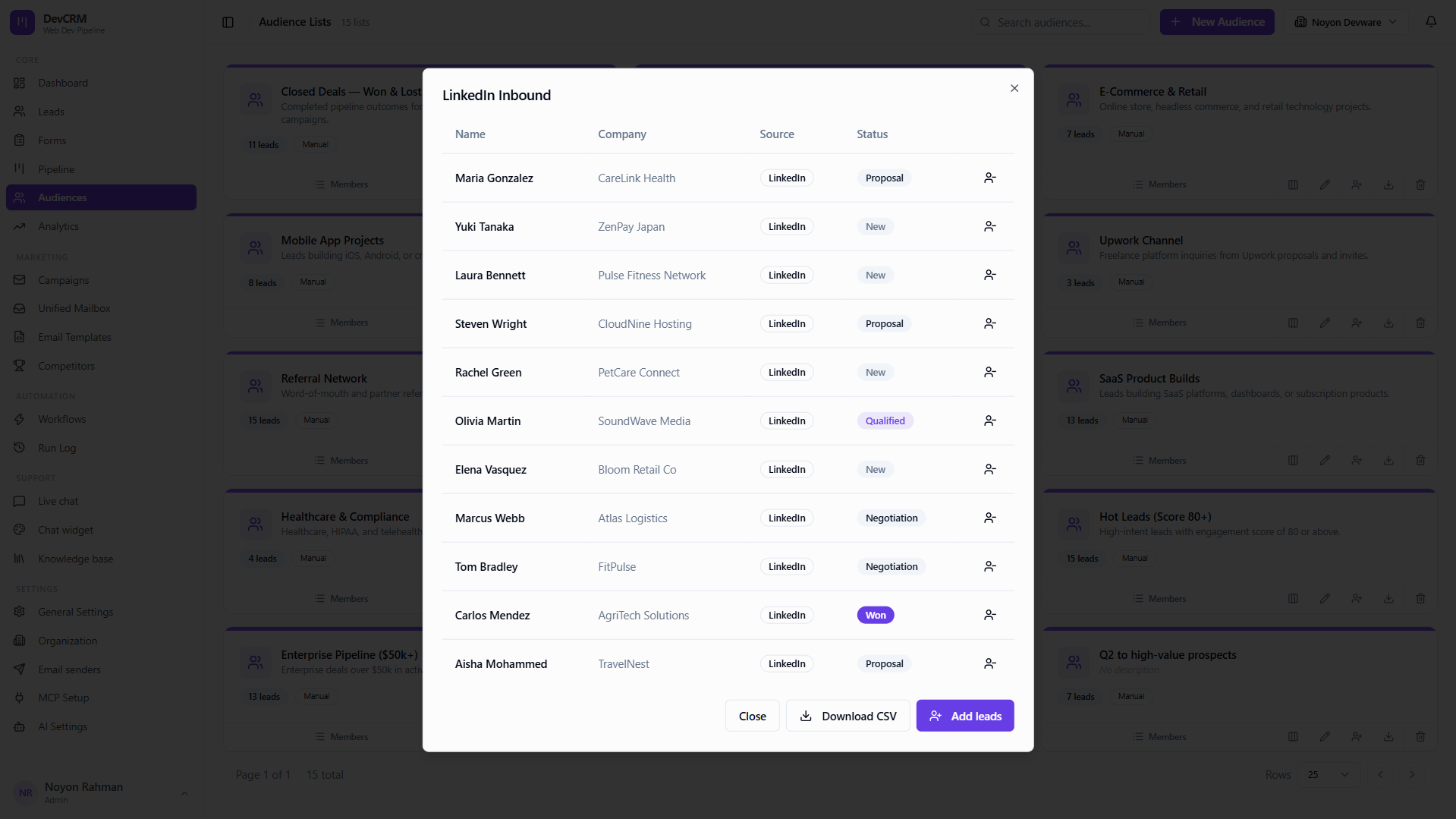
Add leads
Add existing leads to the list in bulk or from a lead detail page.
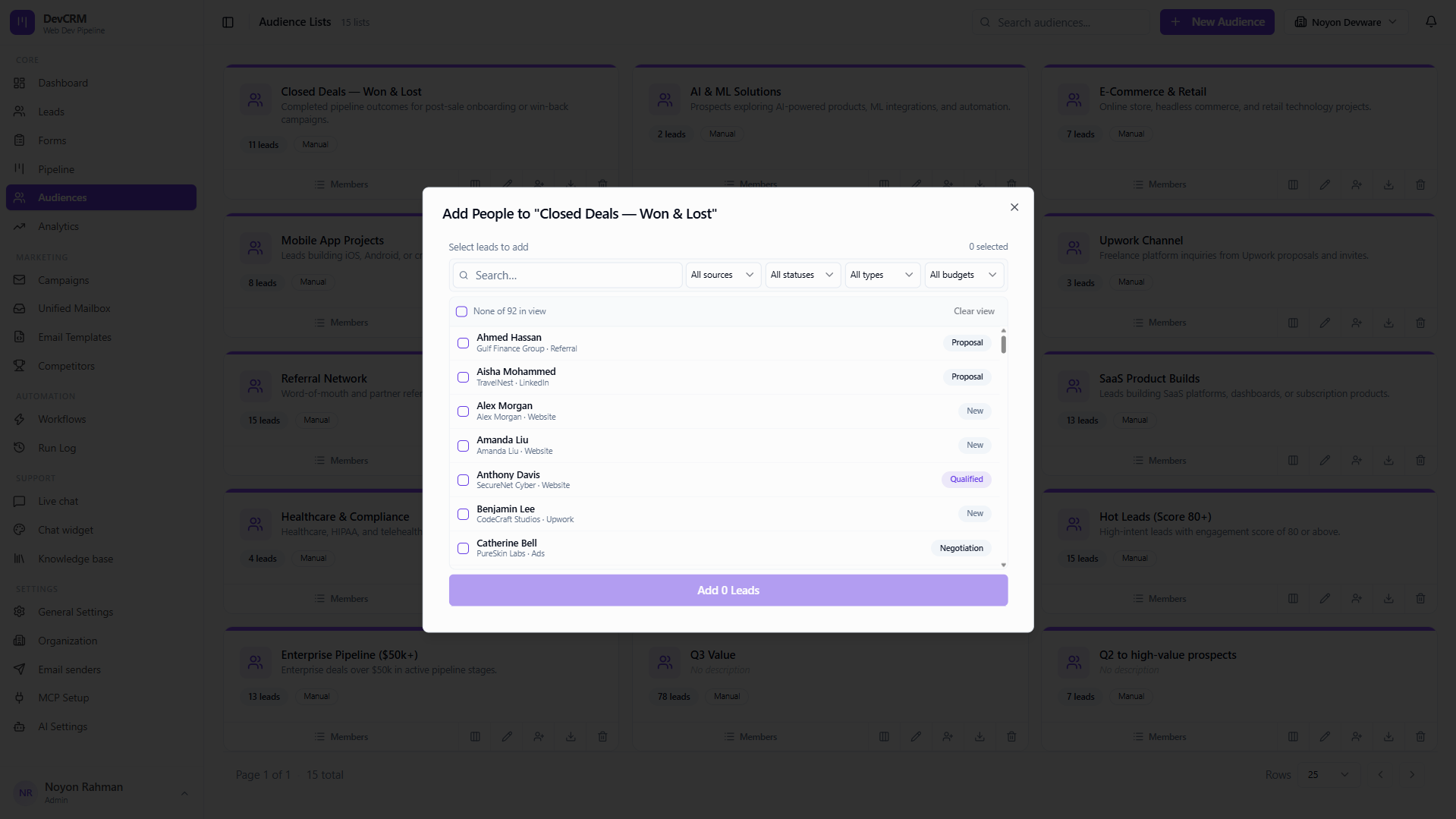
Export CSV
Download the list as CSV for offline review or other tools.
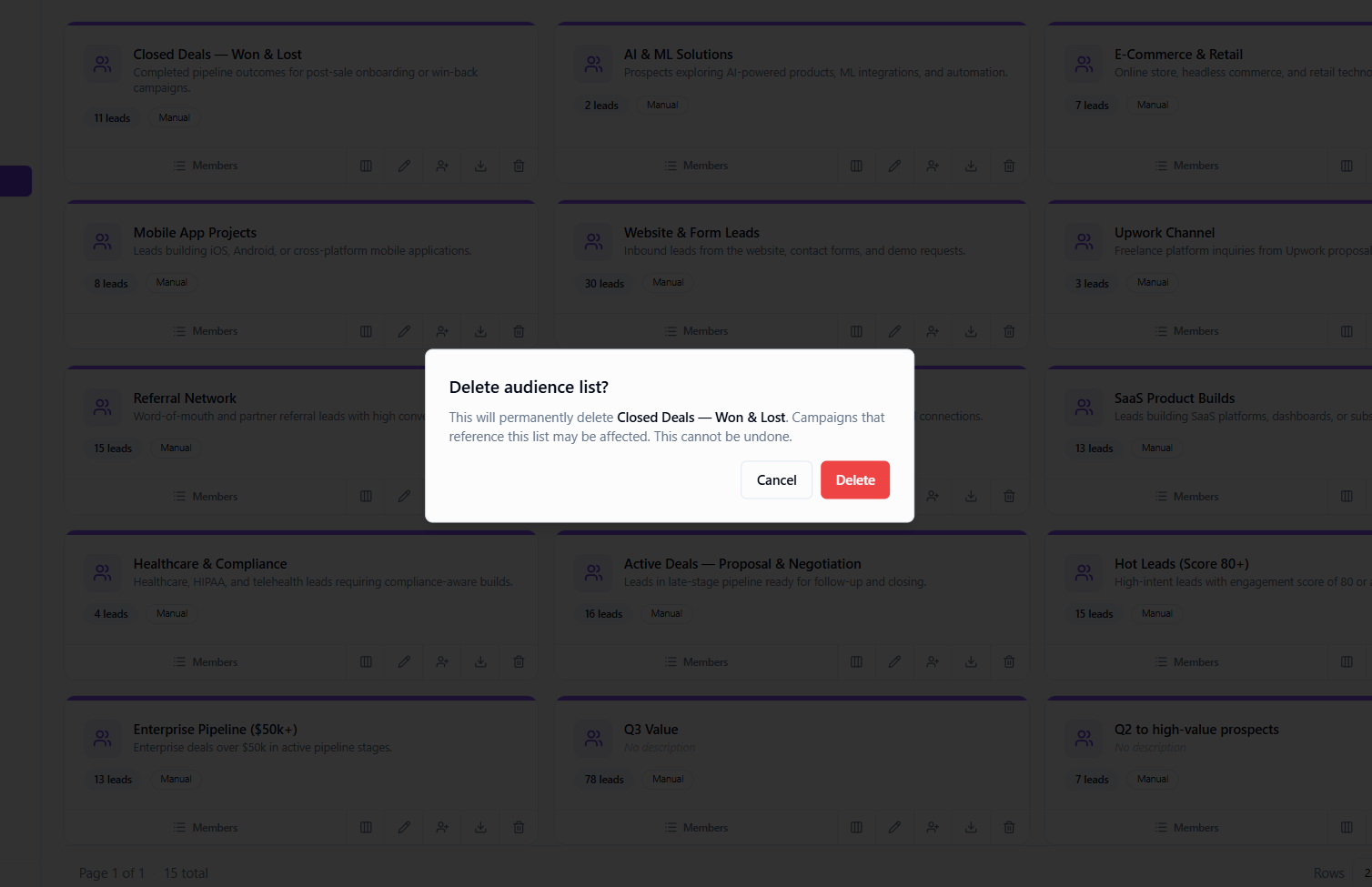
Delete audience
Deleting a list removes the segment only — leads stay in your CRM.
Tips
- Campaigns require an audience — create lists before you build outreach.
- Workflows can Add to Audience automatically when a form is submitted or a score threshold is hit.
Ready to get started?
Create your workspace, invite your team, and start closing deals in minutes.
Open DevCRM